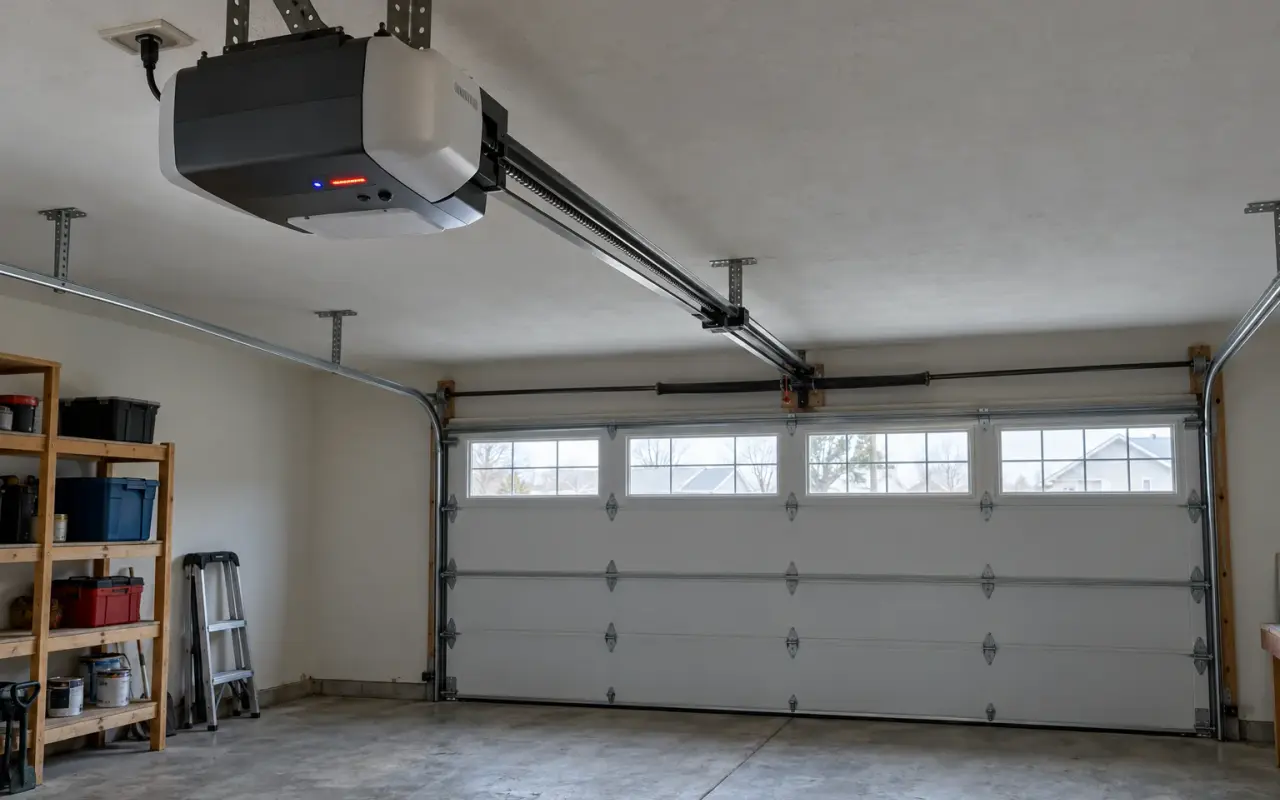
Genie openers report problems in three places, and the codes differ between them: the LEDs on the powerhead (the motor unit), the status light on Excelerator screw drive models, and the small lights on the two Safe-T-Beam sensors near the floor. Find the model number on the powerhead first; the charts below are Genie's, model by model.
A code is counted the same way everywhere: a number of blinks, a pause, and the pattern repeats.
Powerhead LEDs: ChainLift, ReliaG, BeltLift, QuietLift
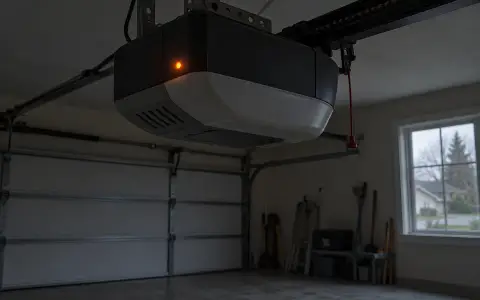
For models 1022, 1024, 1042, 2022, 2024, 2027 and 2042 (ChainLift 600, 700 and 800, ReliaG 600 and 800, BeltLift 600, QuietLift 800), the indicator is on the underside of the powerhead, beside the buttons. Both LEDs off means normal operation.
Red LED
| You see | Genie's diagnosis |
|---|---|
| On continuously | Programming is incomplete: set the limits and add the wireless devices. |
| 1 blink, pause | The remote has not been learned. Program it. |
Green LED
| You see | Genie's diagnosis |
|---|---|
| 1 blink, pause | Limit programming incomplete; or something blocked the Safe-T-Beams on the way down; or the door met an obstruction going up or down. Genie says to check the spring. |
| 2 blinks, pause | UP limit may not be set; a bad wire or connection to the powerhead; sensors out of alignment; or the beam is blocked continuously. |
| 3 blinks, pause | The limits are set backwards. Clear them and program them again. |
| 4 blinks, pause | The wall button wire is shorted, or its wires are reversed at the powerhead. Staples can cut the insulation. |
| 5 blinks, pause | The chain or belt is too tight, or a control system failure. Adjust the tension; otherwise contact Genie. |
Excelerator status light
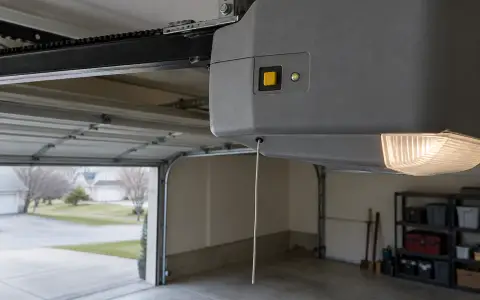
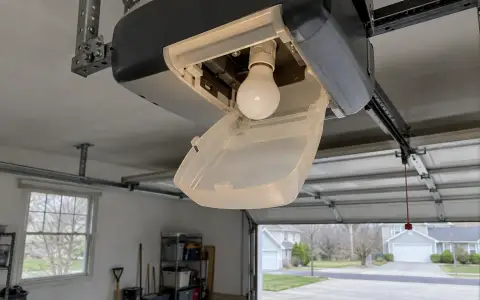
On Excelerator screw drive models (H8000, H8000-07, H8000D, ISD990, ISD995, ISD1000, PRO99, PRO99-21C, PRO99FN and CMD9900) the status light is under the lens cover. A green light comes on and goes off when power is applied; if it stays on, Genie says to contact its customer service.
| Blinks | Genie's diagnosis | What Genie says to do |
|---|---|---|
| 1 | Motor drive board interrupt | Unplug, wait 5 seconds, plug back in, run it from the wall console. The first cycle runs slowly. If it comes back, check the door: the opener detects door balance, and a badly balanced door, a worn spring or binding rollers can cause it. |
| 2 | Controller board interrupt | The same reset; check the ribbon cable between the two boards. |
| 3 | Overheated or over-cycled | Do not unplug it. Wait 10 minutes; cycles come back at 5 per 10 minutes of rest. |
| 4 | Force settings incorrect | Check the force settings, which are not preset at the factory, and the door's condition. |
| 5 | Safe-T-Beam malfunction | Check the sensors (below). The door will not close until they work. |
| 6 | Wall console does not work | Check the wiring for shorts, tight staples and pinched wires, at both ends. |
Safe-T-Beam sensor lights
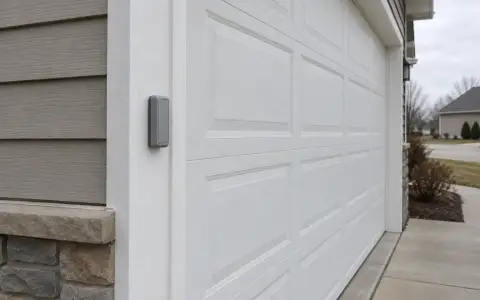
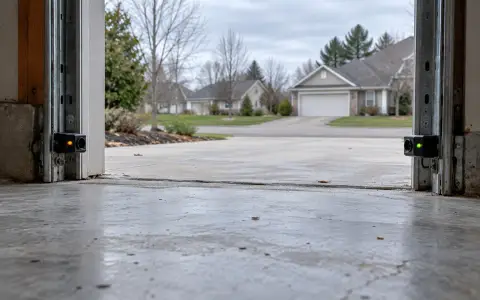
Each sensor pair has a red and a green LED. Genie's self-diagnostic chart:
| Red LED | Green LED | Likely cause |
|---|---|---|
| On | On | Normal operation. |
| Off | Off | The powerhead has no power, or the wiring from it is bad. Check breakers, fuses and the plug. |
| Off | On | Wiring to the source sensor missing or bad, or power was interrupted. Remove power and reapply. |
| 2 blinks, pause | On | Beam not aligned, beam obstructed, or a defective sensor. |
| 2 blinks, pause | Off | The wire to the sensor is missing or bad, or the sensor is defective. |
| 3 blinks, pause | On | The sensor is receiving interference. |
| 4 blinks, pause | On | The source is not sending pulses. Contact customer service. |
Genie says the beam must be at least 5 inches and no more than 6 inches above the floor, with the two sensors lined up so they "see" each other. Clean the lenses and look for loose wires before anything else.
Sunlight. Genie names bright light shining into a sensor lens as a cause of a door that reverses for no visible reason, and its newer Safe-T-Beam version (GSTB-R) has a lens cover against it.
Getting the door closed meanwhile
Genie's troubleshooting page says a door that will not close because of a sensor problem can be closed by pressing and holding the wall console button until it is fully down. The remote and keypad will not close it that way. Keep the opening clear and watch it the whole way.
When the code points at the door
Several of these codes, the Excelerator's one blink and the green LED's one blink among them, can come from the door rather than the opener: a worn spring, binding rollers, a door that is out of balance. Do not lift a door by hand to test it if a spring looks broken. See broken spring and the monthly reverse test.
Updated 2026-10-11.
 LiftMaster remote
 LiftMaster keypad
 Blinking lights and codes
 Genie remote
 Genie keypad
 HomeLink in the car
 Erase all remotes
 Remote not working
 Craftsman remote and keypad
 Safety sensors
 Travel limits and force
 myQ and Wi-Fi
 Universal remote
 Wall button not working
 Maintenance and lubrication
 Emergency release
 Battery backup
 Opener light bulbs