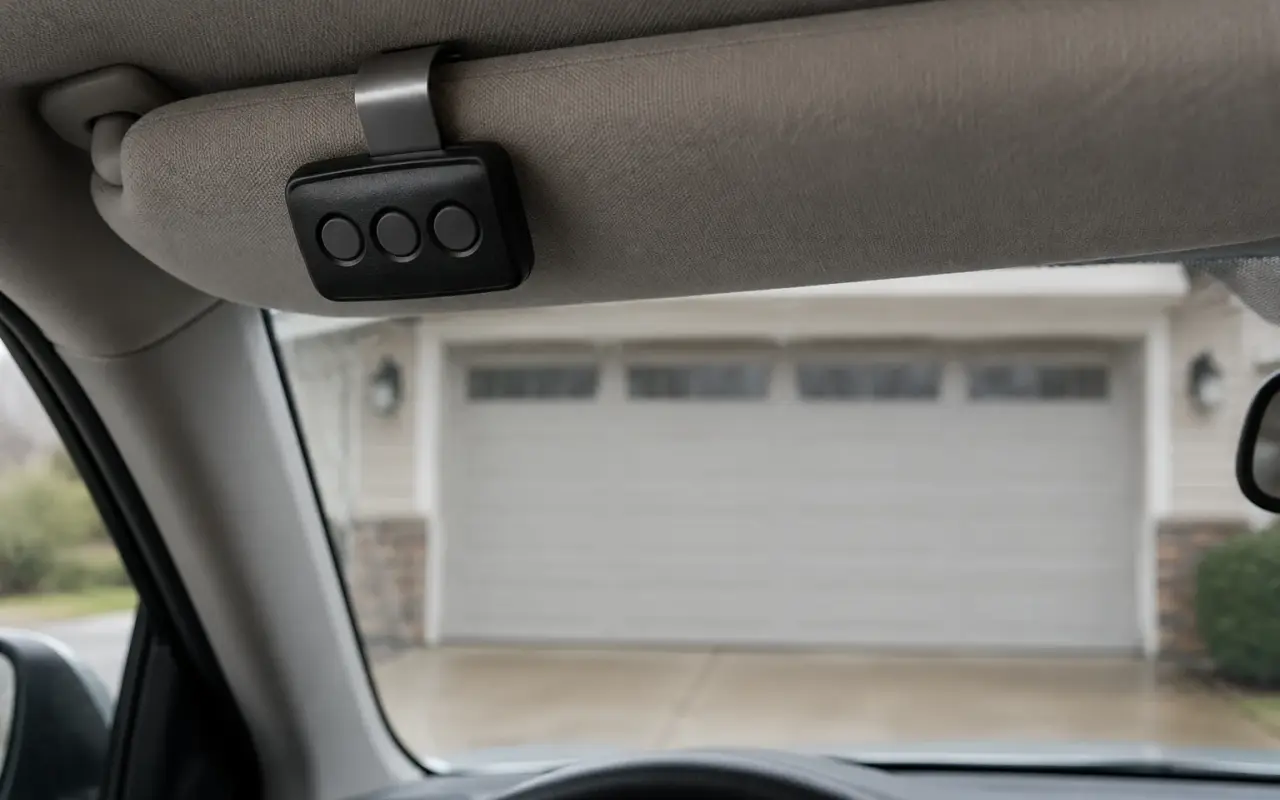
The Craftsman openers, remotes and keypads whose manuals sit in LiftMaster's document library have model numbers beginning with 139. They use the same Learn button and the same color system as LiftMaster and Chamberlain, so a Craftsman remote is programmed the same way.
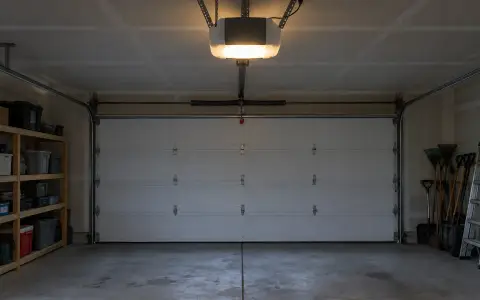
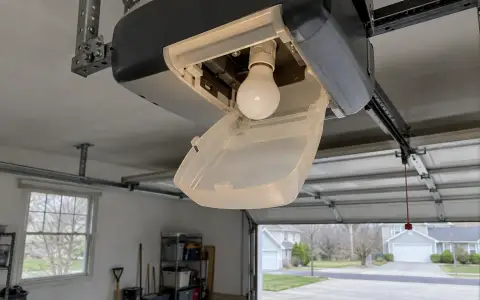
Make sure the opener's light bulb works before you start: the manuals call it "a programming indicator."
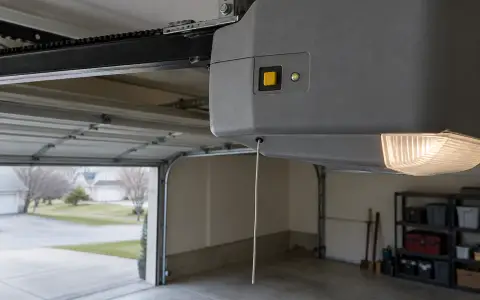
The Learn button and its color
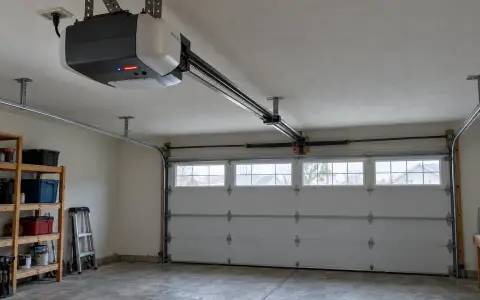
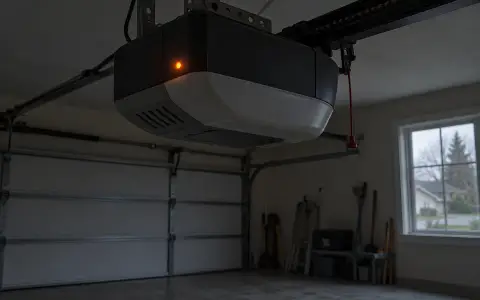
The Learn button is on the motor unit, next to a small LED that also serves as the diagnostic light. Its color matters for remotes and keypads:
| Learn button | System |
|---|---|
| Yellow | Security+ 2.0 |
| Purple | 315 MHz Security+ |
| Red or orange | 390 MHz Security+ |
| Green | 390 MHz Billion Code |
Press it briefly. Holding it for about six seconds erases every code the opener knows.
Program a Craftsman three-button remote (139.18802, 139.18803)
These remotes work with Craftsman 315 MHz or 390 MHz openers made after January 1, 1993, and one remote can run up to three openers.
- Press and hold the Program button on the remote until the LED on its front turns on. On the 139.18803 the button is pressed with a safety pin or a paper clip.
- Press and release the remote button you want to use the number of times that matches the Learn button: once for yellow, twice for purple, three times for red or orange, four times for green.
- Press any other button on the remote to leave programming mode.
- Press and release the Learn button on the opener. The Learn LED lights; you have 30 seconds.
- Press the button you programmed until the opener's lights flash or you hear two clicks.
- Press it again to test. The door should move.
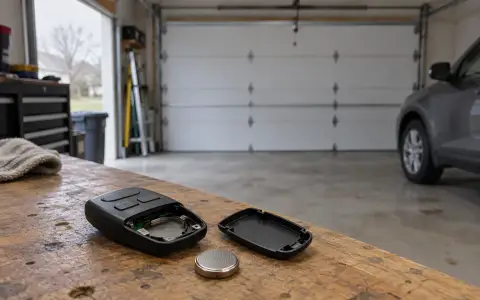
The remote's LED stops flashing when its battery is low. It takes a 3V CR2032 coin cell.
Program a remote using the opener's manual
The owner's manual for the Craftsman 139.18590 opener gives an older sequence for its 315 MHz Security+ remotes:
- Press the Program button on the remote until its LED turns on.
- Press and release the Learn button on the opener. The Learn LED lights; you have 30 seconds.
- Press and release the remote button you want to use, and watch the opener's light bulb. If it does not blink, wait for the remote's LED to go solid, then press the button slowly again. Repeat until the bulb blinks, and do not press the button again after it does.
- Press any other remote button to leave programming mode.
The remote that came in the box with the opener was programmed at the factory.
Program a Craftsman keypad (139.18801)
The Craftsman wireless keypad's manual has the same steps as LiftMaster's 877MAX: hold * and # until the keypad lights stop blinking, enter a 4-digit PIN and press #, press ENTER once to four times for the Learn button color, press 0, then press Learn on the opener and enter the PIN and ENTER until the lights flash. Changing the PIN, a temporary PIN for visitors and one-button close also work the same way. The full steps are in program a LiftMaster keypad.
Erase all codes
To remove a lost remote, press and hold the Learn button on the motor unit until the Learn LED goes out, about 6 seconds. All codes are erased; reprogram every remote and keypad you want to keep. More in clearing an opener's memory.
When the Learn LED flashes on its own
The 139.18590 opener has a self-diagnostic: the Learn button LED "will flash a number of times then pause signifying it has found a potential issue." Count the flashes.
| Flashes | What the manual says |
|---|---|
| 1 | Safety sensor wire open: broken or disconnected. |
| 2 | Safety sensor wire shorted, or the black and white wires reversed. |
| 3 | Wall control or its wire shorted. |
| 4 | Safety sensors slightly misaligned (a dim or flashing sensor LED). |
| 5 | Motor speed (RPM) not recognized. |
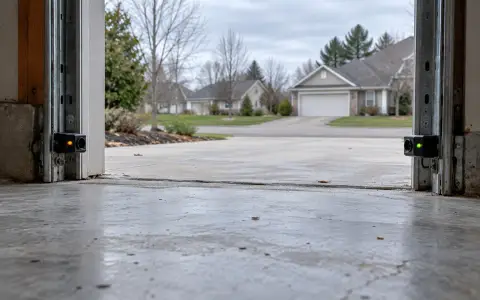
For one to four flashes, the manual's checks are the wires between the opener and the sensors or wall control, looking for staples through the wire, and the sensor alignment. Both sensors' indicator lights should glow steadily: amber on the sending eye, green on the receiving eye. See safety sensors.
If the remotes do nothing, the manual's first check is the wall control: if it is blinking, the lock mode is on and remotes are blocked. See remote not working.
Updated 2026-10-11.
 LiftMaster remote
 LiftMaster keypad
 Blinking lights and codes
 Genie remote
 Genie keypad
 HomeLink in the car
 Erase all remotes
 Remote not working
 Genie blink codes
 Safety sensors
 Travel limits and force
 myQ and Wi-Fi
 Universal remote
 Wall button not working
 Maintenance and lubrication
 Emergency release
 Battery backup
 Opener light bulbs