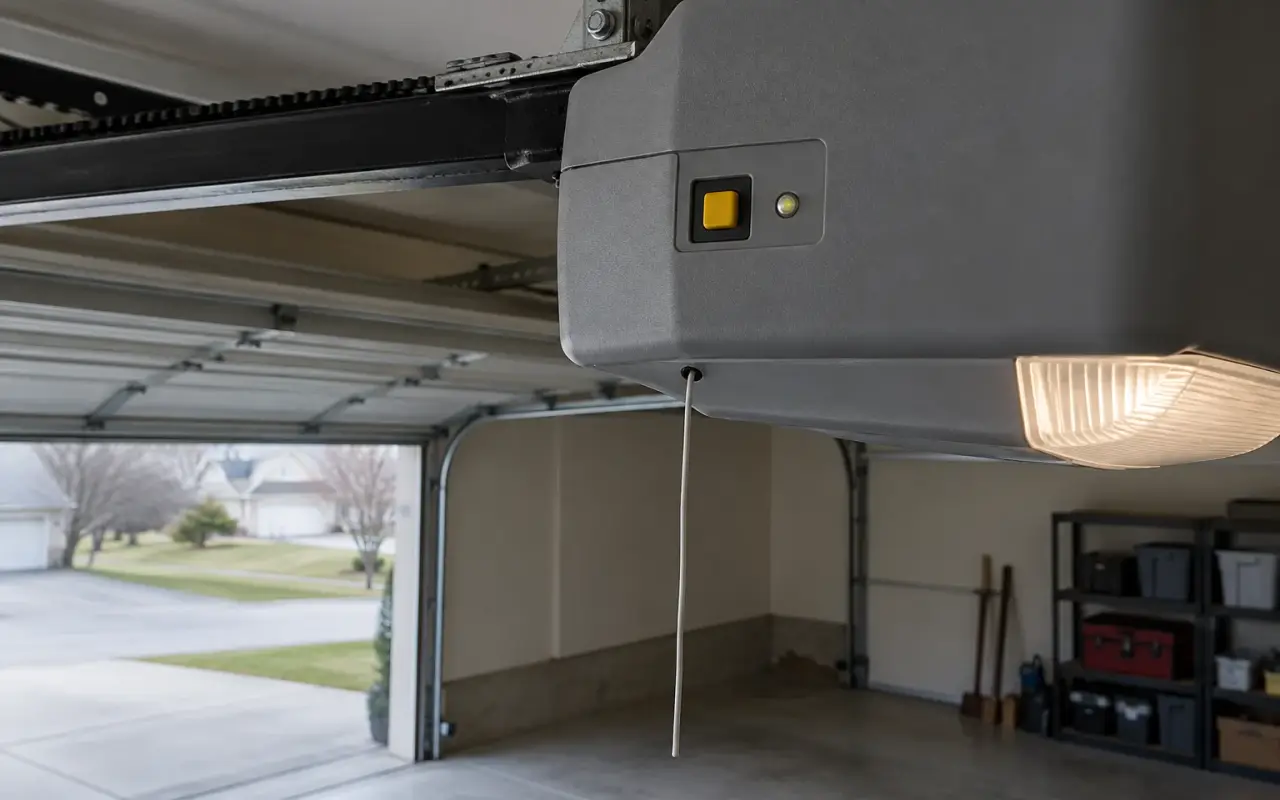
LiftMaster and Chamberlain are brands of the same company, The Chamberlain Group, and manuals for Craftsman openers and keypads sold by Sears sit in the same LiftMaster document library and use the same Learn button colors. A remote is paired to the opener, not set with switches, and the whole job takes a stepladder and about a minute.
Before you start
- Check the light bulb. The opener's light is how it tells you the code was learned. The remote manual says to make sure the opener "has a working light bulb because it is a programming indicator."
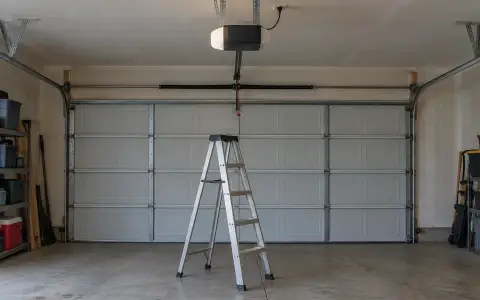
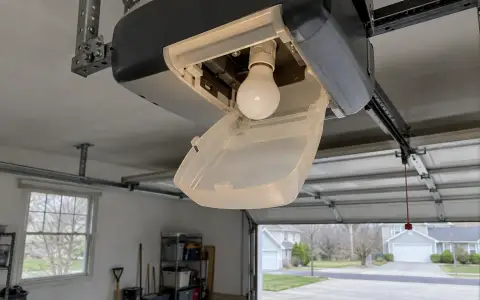
- Find the Learn button. It is on the motor unit on the ceiling, usually just above the antenna wire that hangs from it, and on some models under the light cover (HomeLink support).
- Note its color. The color tells you which radio system the opener uses, and which remotes will work with it.
- Press it like a doorbell. Holding the Learn button for about six seconds erases every remote and keypad the opener knows. A quick press and release is all that programming needs.
What the Learn button color means
| Learn button | System |
|---|---|
| Yellow | Security+ 2.0 |
| Purple | 315 MHz Security+ |
| Red or orange | 390 MHz Security+ |
| Green | 390 MHz Billion Code |
| White | Security+ 3.0 |
The first four rows are from LiftMaster's remote manual. The white button belongs to the newest openers: HomeLink describes Security+ 3.0 openers as "typically identified by a white Learn button or white antenna on the motor head." The remotes in the manual cited here list the first four colors only, so for a white button check the remote's package before buying one.
Pairing the remote that came with the opener
The remote packed with a new opener was programmed at the factory. To add another of the same kind, or to re-pair one that stopped working, the Chamberlain owner's manual gives three steps:
- Locate the Learn button.
- Press and immediately release it. The Learn LED glows steadily for 30 seconds.
- Within those 30 seconds, press and hold the button on the remote you want to use. Release it when the opener's lights blink or you hear two clicks.
Test it from the floor. When you put the light cover back, the same manual asks that the antenna wire hang straight down.
Pairing a three-button MAX remote (890MAX, 893MAX, 895MAX)
The manual lists these replacement remotes as compatible with 315 MHz or 390 MHz garage door openers made after January 1, 1993. The remote has its own Program button: on the 893MAX it is on the back, under the visor clip; on the 890MAX it is pressed with a safety pin or a paper clip.
The later printing of the manual (114A3930E) sets the remote to the opener's system first:
- Press and hold the remote's Program button until the LED on its front turns on.
- Press and release the remote button you want to use the number of times that matches the Learn button: once for yellow, twice for purple, three times for red or orange, four times for green.
- Press any other button on the remote to leave programming mode.
- Press and release the Learn button on the opener. The Learn LED lights; you now have 30 seconds.
- Press the button you programmed until the opener's lights flash or you hear two clicks.
- Press it once more to test. The opener should run.
Older printings of the same manual skip the counting step: you press the remote's Program button, press Learn on the opener, then press the chosen remote button slowly, waiting for the remote's LED to go steady between presses, until the opener's light blinks. Their warning is worth keeping with either method: do not press the button again once the light has blinked. Follow the sheet that came with your remote.
Each of the three buttons can be paired separately, to a second opener, a gate or a light control.
If it does not take
- Nothing happens when you press Learn: check that the opener has power and that you are pressing the Learn button, not a travel or adjustment button. On the opener in the Chamberlain manual cited here, those adjustment buttons are on the left side panel of the motor unit.
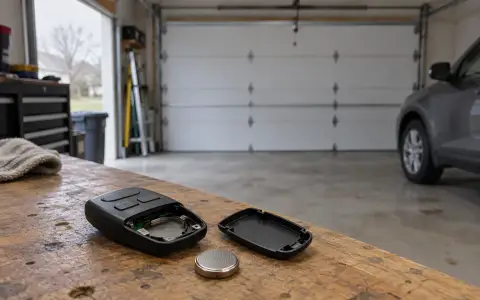
- The remote's LEDs no longer flash: the manual says they stop flashing when the battery is low. The 893MAX and 890MAX take a 3V2032 coin cell, the 895MAX a 3V2016.
- Every other remote stopped working too: the Learn button was probably held too long and the memory was erased. Pair each remote and keypad again. See clearing an opener's memory.
- It worked, then stopped: see remote not working.
The remote manual gives a working range of up to three car lengths on typical installations.
Updated 2026-10-10.
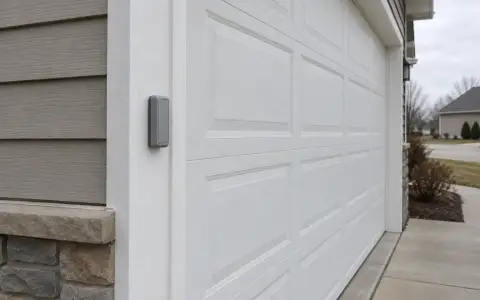 LiftMaster keypad
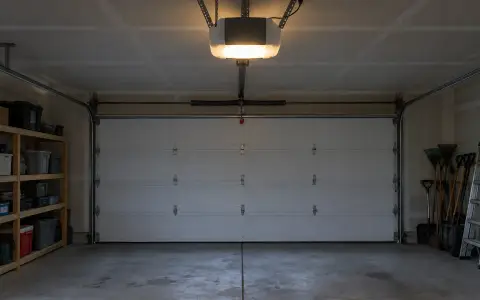 Blinking lights and codes
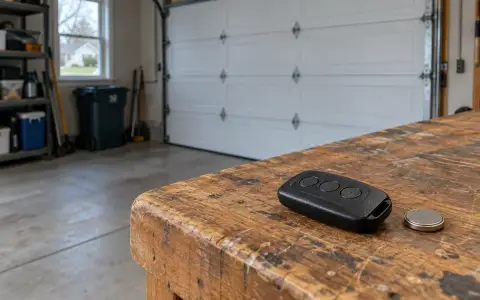 Genie remote
 Genie keypad
 HomeLink in the car
 Erase all remotes
 Remote not working
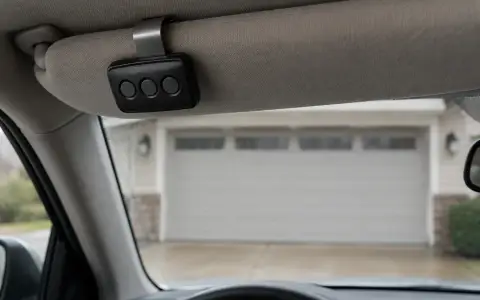 Craftsman remote and keypad
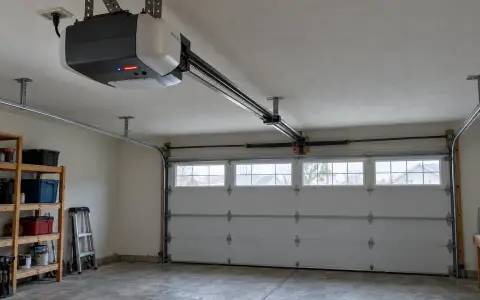 Genie blink codes
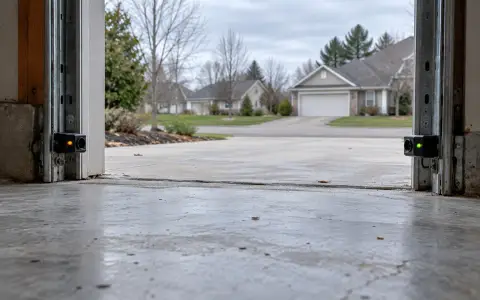 Safety sensors
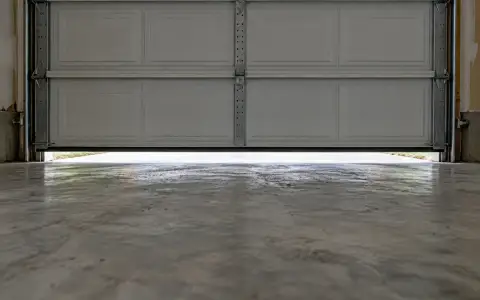 Travel limits and force
 myQ and Wi-Fi
 Universal remote
 Wall button not working
 Maintenance and lubrication
 Emergency release
 Battery backup
 Opener light bulbs