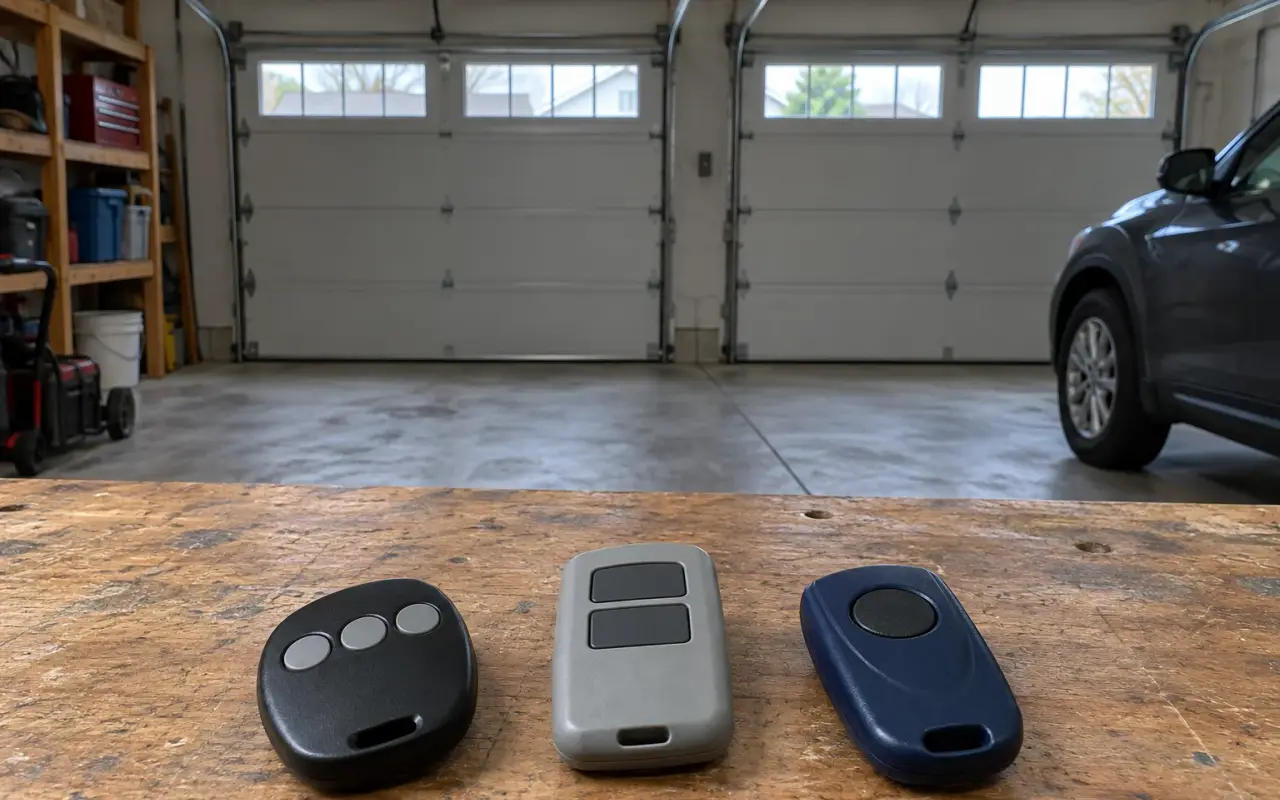
A universal remote is made to learn more than one brand's radio system, which is handy when the original remote is lost or you have two openers from different makers. This page follows Chamberlain's manual for its Clicker universal remote, model KLIK3U. Other universal remotes work on the same idea, but their press counts are different: use the chart for your model.
The KLIK3U can run up to two products, a garage door opener, a gate or a commercial door, and each of its buttons is programmed separately.
Will it work with your opener?
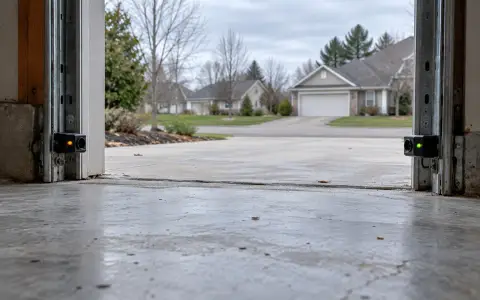
The manual's first condition is about safety, not radio: with a home garage door, the remote must only be used with openers made after 1993 that have photoelectric sensors, the two small units near the bottom of the door track. See safety sensors.
Then find out how your opener learns a code. It has either:
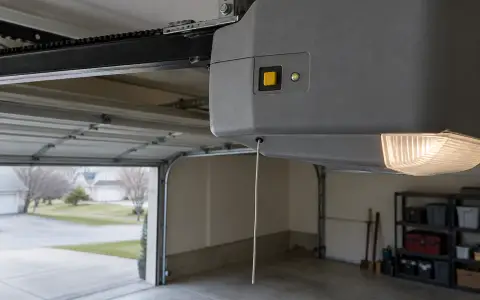
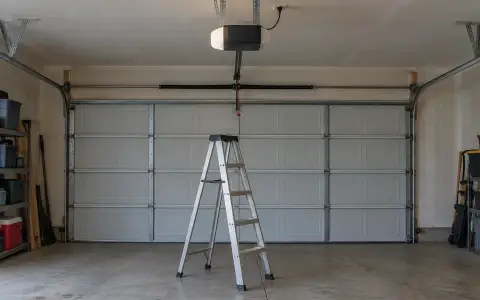
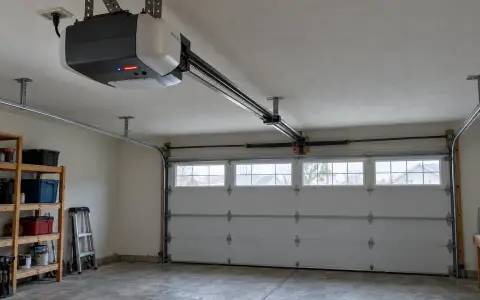
- a Program or Learn button on the motor unit, or on an external receiver near it. HomeLink describes the usual spot: just above the antenna wire hanging from the motor, sometimes under the light cover. The steps below are for this kind.
- DIP switches, a row of tiny switches. The KLIK3U manual sends you to Chamberlain's own instructions for those.
Find your brand, color and year
| Opener brand | Learn button type or color | Years | Press the button |
|---|---|---|---|
| Linear | Mega-Code | 1997 to current | 1 time |
| Chamberlain | Orange or red | 1997 to 2003 | 2 times |
| Chamberlain | Purple | 2005 to current | 3 times |
| Chamberlain | Green | 1993 to 1996 | 4 times |
| Genie, Overhead Door | Intellicode | 1995 to current | 5 times |
| Genie, Overhead Door | Intellicode | 1993 to current | 6 times |
| Stanley | Secure Code | 1998 | 7 times |
| Chamberlain | Yellow | 2011 to current | 8 times |
| Wayne Dalton | Rolling code | 1999 | 9 times |
"Chamberlain" in this chart covers more names than it seems. The manual: "LiftMaster, Do-It, Master Mechanic, Raynor, True Value and Sears Craftsman are compatible with Chamberlain technology." For a Genie opener with Intellicode II, the newer kind with a Program button, the manual points to Chamberlain's separate instructions.
Program it
- Take the cover off the remote. Press and hold its program button until the remote's LED turns on.
- Press and release the Program or Learn button on the opener.
- Choose a button on the remote. Press and release it the number of times in the chart. Wait for the LED to stop flashing between presses. The opener answers by clicking, blinking its light, or running.
- Press the remote's program button again to save.
Test it from the floor. If nothing happens, repeat the steps. On the LiftMaster, Chamberlain, Craftsman and Genie openers covered on this site, Learn mode lasts 30 seconds, so have the remote ready before you climb up.
Battery
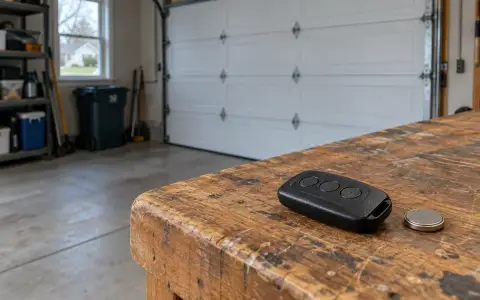
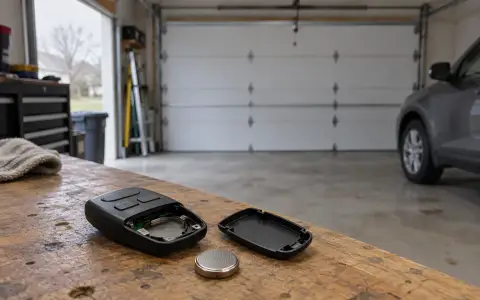
The KLIK3U takes a single 3V CR2032 coin cell.
Related
- The original remote for your opener: LiftMaster and Chamberlain, Craftsman, Genie.
- A remote that stopped working: remote not working.
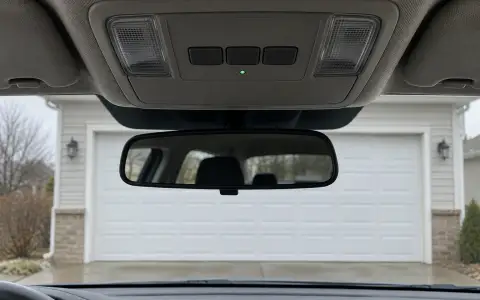
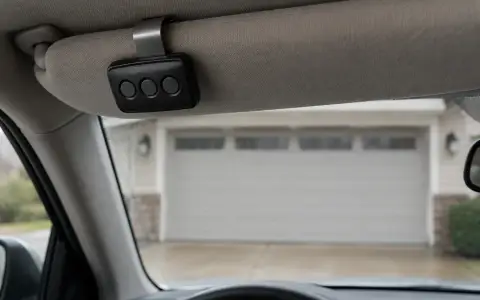
- Your car's built-in buttons: HomeLink.
Updated 2026-10-11.
 LiftMaster remote
 LiftMaster keypad
 Blinking lights and codes
 Genie remote
 Genie keypad
 HomeLink in the car
 Erase all remotes
 Remote not working
 Craftsman remote and keypad
 Genie blink codes
 Safety sensors
 Travel limits and force
 myQ and Wi-Fi
 Wall button not working
 Maintenance and lubrication
 Emergency release
 Battery backup
 Opener light bulbs