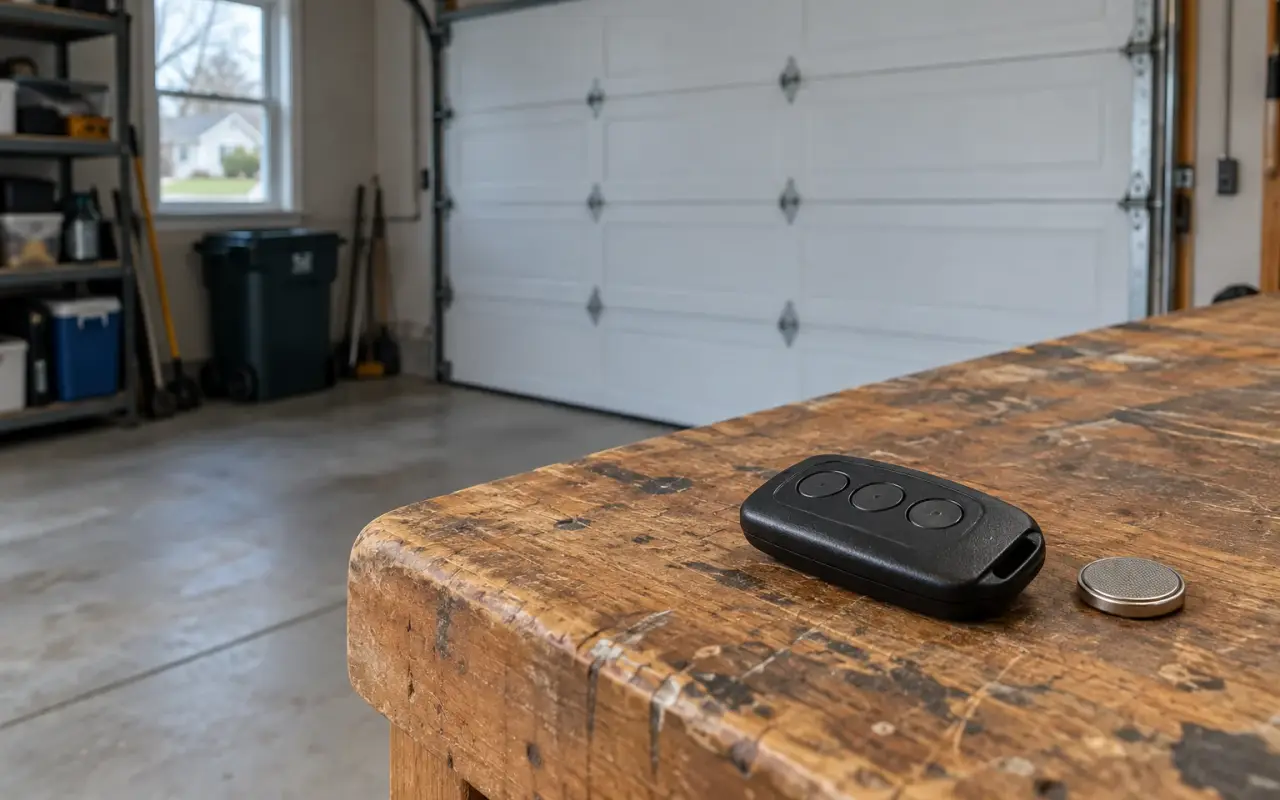
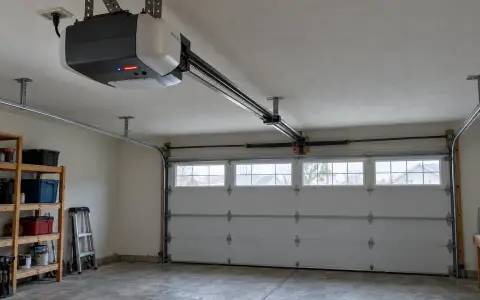
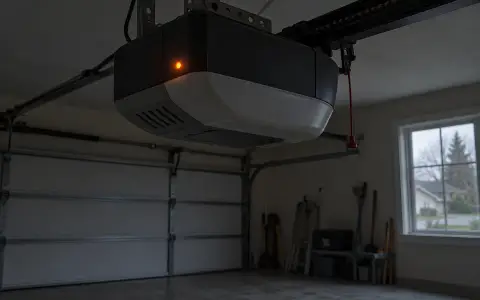
Genie openers come in two generations as far as programming goes, and the first thing to do is find out which one is on your ceiling. Look on the motor unit, which Genie calls the powerhead, for one of two buttons:
- A Program (PRGM or Program/Set) button next to a round LED and a long LED. This is the newer kind; Genie dates it from 2010 on in its one-button remote instructions.
- A round Learn Code button with a red LED, often under the light lens. Genie gives 1995 to 2011 for these.
Each opener has 30 seconds in programming mode, so have the remote in your hand before you press anything. The instructions also ask you to stand at least 5 feet from the opener while you program, so the remote and opener can hear each other properly.
Openers with a Program button
- Press and hold the Program button until the round LED turns blue, then release it. The round LED goes out and the long LED starts flashing purple.
- Press and release the remote button you want to use. For the G3T three-button remote, Genie says to press it slowly two times; the opener's LEDs flash and go off.
- Press the same button a third time. The door should move.
If the LEDs do not go off, the instructions say the button may have been pressed too quickly or too lightly: keep pressing it, slowly, until they do.
Openers with a Learn Code button
- Press and release the Learn Code button once. The red LED starts to flash.
- Press and release the remote button. The LED stops flashing and stays on.
- Press and release it again. The LED goes off.
- Press it once more. The door should move.
For openers made between 1995 and 1997, Genie's G3T sheet says to use the two upper buttons on the remote.
The Genie Master remote and Intellicode 2
The Genie Master remote (GM3T-R) has two modes. It leaves the factory in Intellicode 1 mode, shown by a red LED when you press a button, and that mode programs exactly like the Learn Code steps above. Openers with a Program button use Intellicode 2, and each remote button you want to use with them has to be switched first:
- Press and hold the button. A red LED comes on, and after 10 seconds a green LED lights as well.
- Release it, then press and release it twice more. Both LEDs turn off.
- Press it again. Only the green LED lights: the button is now in Intellicode 2 mode.
Then program it with the Program button steps. To put a button back into Intellicode 1, slide off the back cover, press the DEFAULT button (a yellow LED flashes) and then press the remote button.
The same remote can also copy openers that use a row of 9 or 12 code switches: you set the switches inside the remote to match the ones in the opener.
A lost or stolen remote
Erase every remote, then program back the ones you still have. This clears keypads too.
- Program button openers: press and hold Program until the round LED turns blue and release. Then press and hold the Up (+) and Down (−) buttons together until both LEDs turn solid blue.
- Learn Code openers: press and hold the Learn Code button until the LED stops blinking.
Genie's own note: after this, the opener "will no longer recognize any signal from any remote device, including a missing remote device."
If the remote still does not work
Genie's troubleshooting page lists, for an opener that works from the wall button but not from the remote:
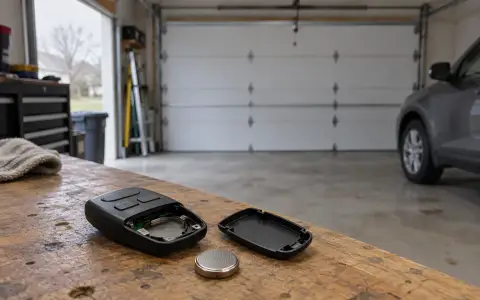
- replace the remote's battery (the G3T takes a CR2032 coin cell, and replacing it does not erase the programming);
- program the remote again;
- if every remote and wireless device stopped at the same time, the opener's circuit board may need replacing.
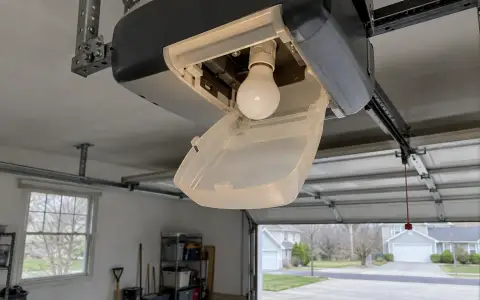
For short range, under about 25 feet, Genie points at the battery, other radio sources nearby, and energy-saving bulbs in the opener, which "can interfere with the remote signal." More in remote not working.
Updated 2026-10-10.
 LiftMaster remote
 LiftMaster keypad
 Blinking lights and codes
 Genie keypad
 HomeLink in the car
 Erase all remotes
 Remote not working
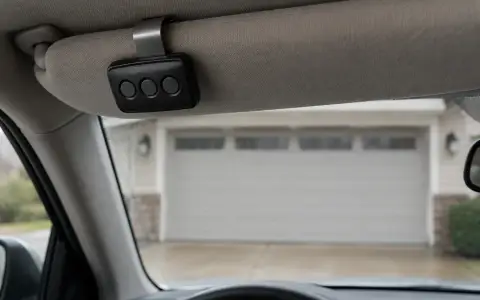 Craftsman remote and keypad
 Genie blink codes
 Safety sensors
 Travel limits and force
 myQ and Wi-Fi
 Universal remote
 Wall button not working
 Maintenance and lubrication
 Emergency release
 Battery backup
 Opener light bulbs