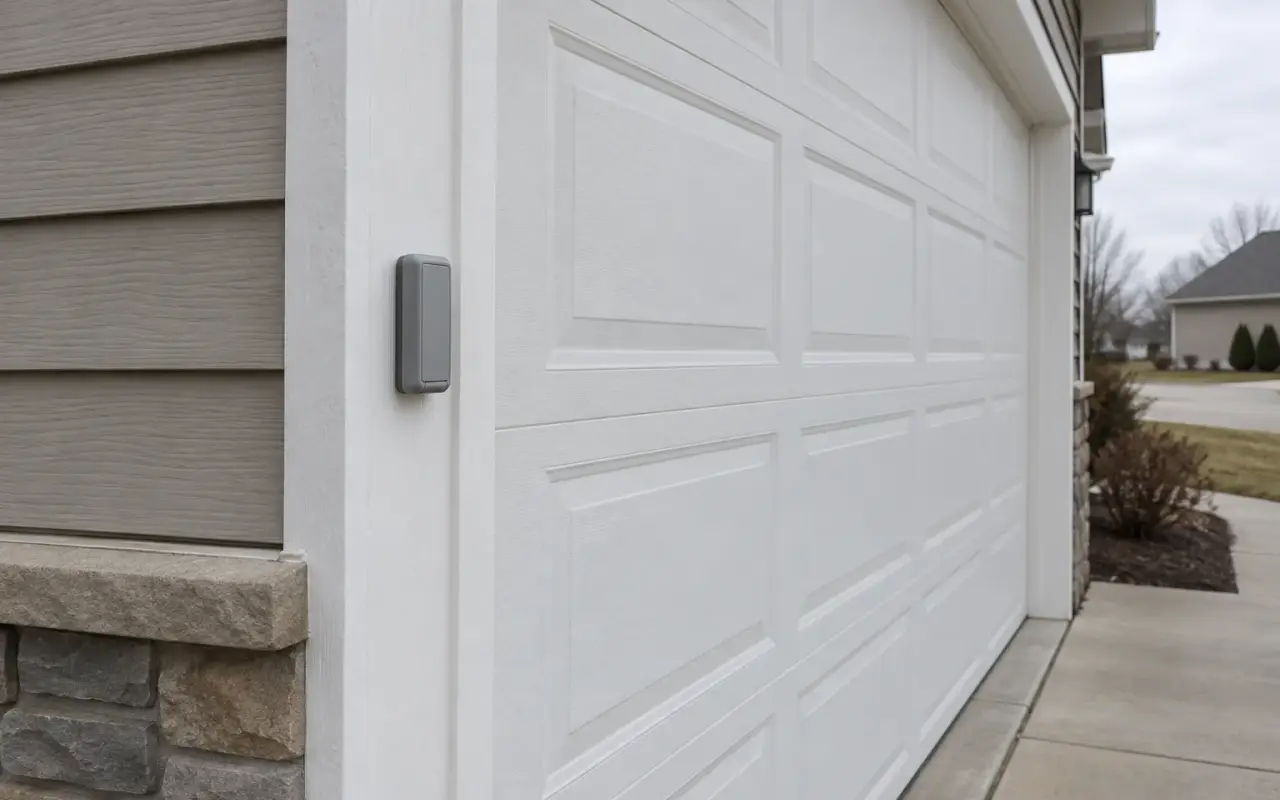
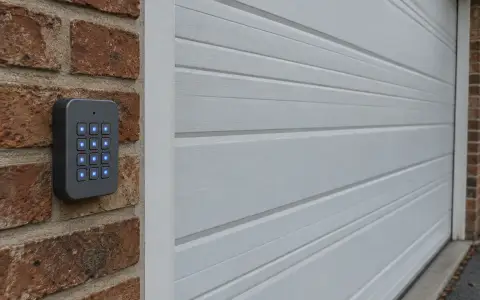
The wireless keypad outside the garage door holds its own PIN and is paired to the opener the same way a remote is: through the Learn button on the motor unit. The steps below follow LiftMaster's manual for the 877MAX keypad. The Craftsman keypad, model 139.18801, has a manual in the same LiftMaster library with the same steps and the same color table.
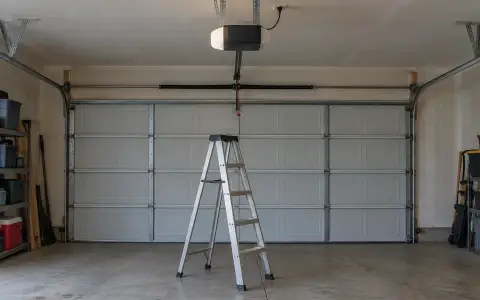
Program the keypad before you mount it. The manual says to install the battery and program it first, and you will be going up a stepladder to the opener in the middle of it.
Before you start
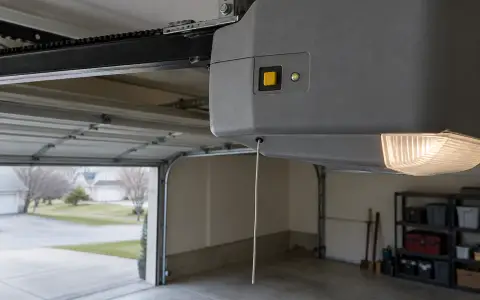
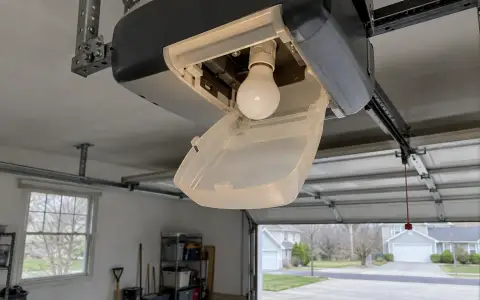
- Make sure the opener's light bulb works. It is the signal that programming took.
- Find the Learn button on the motor unit and note its color. See what the color means.
- The keypad works with 315 MHz or 390 MHz openers made after January 1, 1993.
Set the PIN and pair the keypad
- Press and hold the * and # buttons until the lights on the keypad stop blinking.
- Enter a 4-digit PIN of your choice, then press #.
- Press and release ENTER the number of times that matches the opener's Learn button: once for yellow, twice for purple, three times for red or orange, four times for green.
- Press 0 to leave programming mode.
- Press and release the Learn button on the opener. The Learn LED lights, and you have 30 seconds.
- Enter the PIN from step 2, then press and release ENTER until the opener's lights flash or you hear two clicks.
- To test, enter the PIN and press ENTER. The door should move.
To run a second opener from the same keypad, repeat the steps with a different PIN for it.
The opener's own manual describes a second way in, from a wall control that has a Learn button: press Learn on the wall control twice, then enter a PIN on the keypad and press ENTER. The opener's lights flash or it clicks twice when the code is stored.
Change the PIN
- Enter the PIN you want to change.
- Press and hold # until the opener's light blinks twice.
- Enter the new 4-digit PIN, then press ENTER. The light blinks once.
- Test: enter the new PIN, then ENTER.
On openers with a green Learn button, or with an external receiver, this shortcut does not work: repeat the full "set the PIN" steps instead.
Give a visitor a temporary PIN
A temporary PIN can expire after a number of hours or a number of openings, up to 255 of either. It cannot be the same as a PIN already programmed, and each programmed PIN can hold one temporary PIN.
- Enter any programmed PIN, then press and hold * until the opener's light blinks three times.
- Enter the temporary 4-digit PIN, then press ENTER. The light blinks four times.
- Enter the number of hours it should work and press *, or the number of openings and press #. The light blinks once.
To cancel it, repeat the steps and set the hours or openings to 0. Temporary PINs are not available on openers with a green Learn button or an external receiver.
Everyday use
- After a correct PIN and ENTER, the keypad stays lit for 15 seconds, and during that time ENTER alone will stop, start or reverse the door.
- If you press a wrong digit, just type the correct PIN and press ENTER: the keypad sends only the last four digits pressed.
- One-button close: ENTER alone closes an open door. To turn this off, press and hold 1 and 9 for 10 seconds; the keypad blinks four times. Doing the same again turns it back on, and it blinks twice. The feature is not available on openers made before 2006 or with an external receiver.
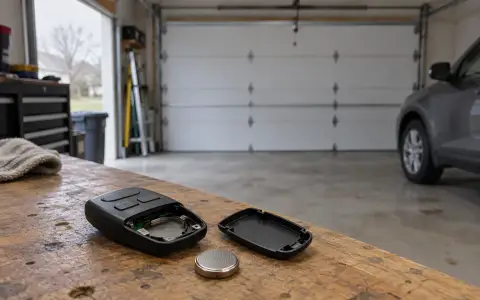
- Battery: replace it when the keypad gets dim or does not light up when a button is pressed.
Mounting it
The manual asks for the keypad to be mounted within sight of the door, at least 5 feet above the ground and out of reach of children, and away from all moving parts of the door.
If it stops working
- The keypad lights, but the door does not move: check whether the opener's lock is on. The Chamberlain owner's manual describes a LOCK button on the wall control that blocks remotes "while still allowing activation from the door control and keyless entry", so the keypad should still work; if it does not, pair it again.
- Every remote and the keypad stopped at once: the opener's memory may have been erased by a long press on Learn. Pair each device again.
- Forgot the PIN: the manual gives no way to read it back. The "set the PIN" steps do not ask for the old one, so start again from step 1 and pair the keypad to the opener again.
Updated 2026-10-10.
 LiftMaster remote
 Blinking lights and codes
 Genie remote
 Genie keypad
 HomeLink in the car
 Erase all remotes
 Remote not working
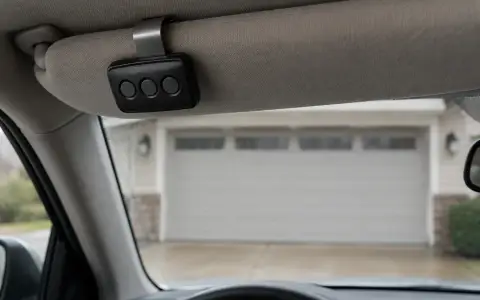 Craftsman remote and keypad
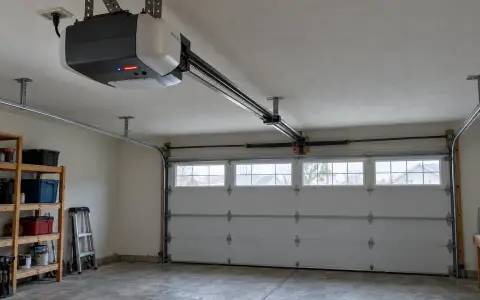 Genie blink codes
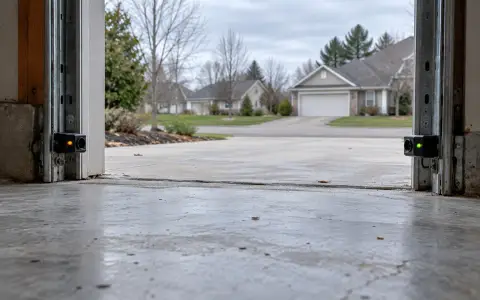 Safety sensors
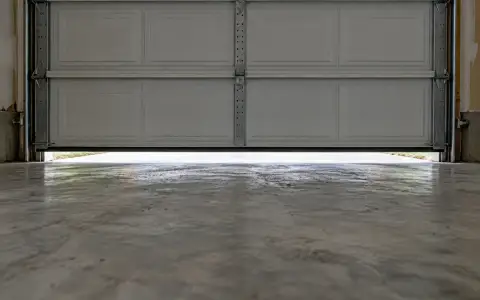 Travel limits and force
 myQ and Wi-Fi
 Universal remote
 Wall button not working
 Maintenance and lubrication
 Emergency release
 Battery backup
 Opener light bulbs