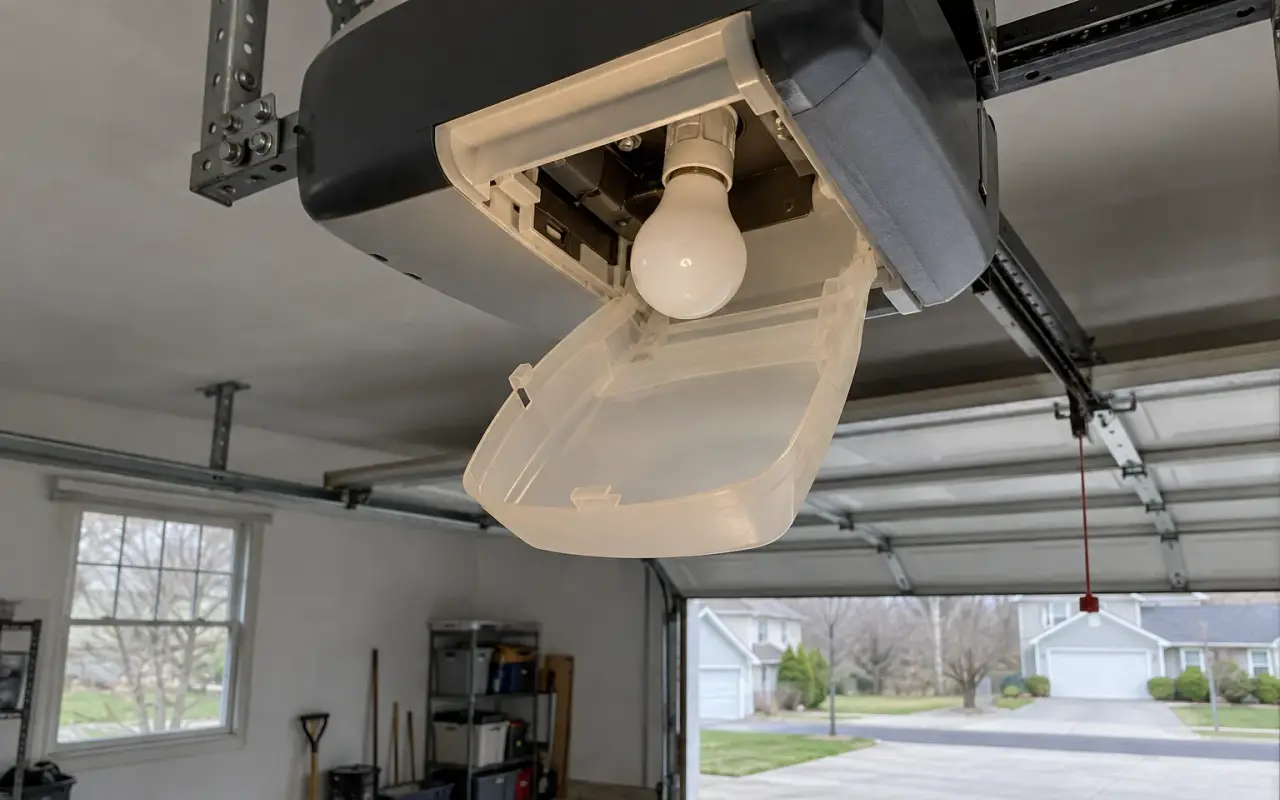
The light in a garage door opener does more than light the garage. It is the opener's signal when you program a remote, and it flashes to report a problem. Replacing it is easy; the catch is the type of bulb.
Which bulb
Chamberlain's owner's manuals for its belt drive openers give the limits for those models:
- an A19 incandescent bulb, 100 watts maximum, or
- a compact fluorescent (CFL), 26 watts (100-watt equivalent) maximum.
They also say not to use halogen, short-neck or specialty bulbs, "as these may overheat the end panel or light socket." Check your own model's manual for its limit.
LED bulbs and the remote
One problem comes up in every source cited here: new LED bulbs go in, and the remote stops working from the driveway.
The older Chamberlain manuals cited here say plainly not to use LED bulbs "as they may reduce the range or performance of your remote controls." HomeLink's support page explains it: "certain brands or types of LED bulbs may cause interference with the radio signals used for operating your garage door," and the effect can be shorter range or intermittent operation for remotes and car buttons alike. Genie's troubleshooting page says the same of energy-efficient bulbs in general.
The fix both HomeLink and Genie give is a bulb approved by the opener's manufacturer. Genie sells its own LED bulb for this, and says it resolves the problem.
Quick test: if the remote has become unreliable, unscrew the opener's bulbs and try it again. If the range comes back, the bulbs were the cause. More in remote not working.
The light timer
On the Chamberlain openers in the manual cited here, the light comes on with every run, when power returns after an outage, and when the opener is plugged in, then turns itself off after 4½ minutes by default. To change that time, press and hold the LOCK button on the wall control for about 10 seconds, until the opener's lights flash. The number of flashes is the setting:
| Flashes | Light stays on |
|---|---|
| 1 | 1½ minutes |
| 2 | 2½ minutes |
| 3 | 3½ minutes |
| 4 | 4½ minutes |
Repeat the step to move to the next setting. The LIGHT button turns the light on and off, but not while the door is moving.
A light that comes on by itself
The same manual describes a feature that switches the light on when someone walks in through the open door and breaks the safety sensor beam. To turn it off, hold the LIGHT button for about 10 seconds, until the lights go on and then off again. To turn it back on, start with the lights on and hold LIGHT for about 10 seconds until they go off and on.
A light that will not turn off at all can have the same cause: the Craftsman manual explains that its security light feature turns the light on whenever the sensor beam has been obstructed.
A light that flashes
Flashing is a message, not a bulb fault. On LiftMaster and Chamberlain openers, 10 flashes mean the safety sensors stopped the door. See LiftMaster blinking lights and safety sensors.
On battery power
On Chamberlain's battery backup openers, the light does not work while the opener runs on its battery. See battery backup.
Updated 2026-10-11.
 LiftMaster remote
 LiftMaster keypad
 Blinking lights and codes
 Genie remote
 Genie keypad
 HomeLink in the car
 Erase all remotes
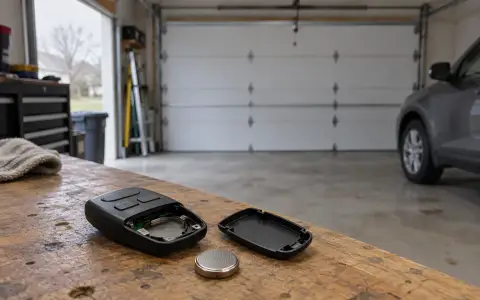 Remote not working
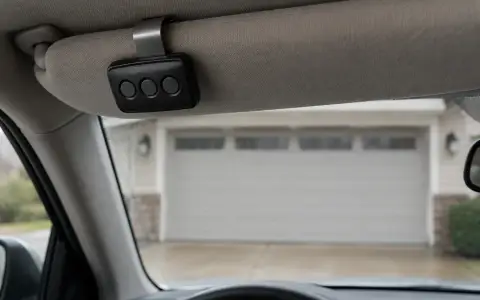 Craftsman remote and keypad
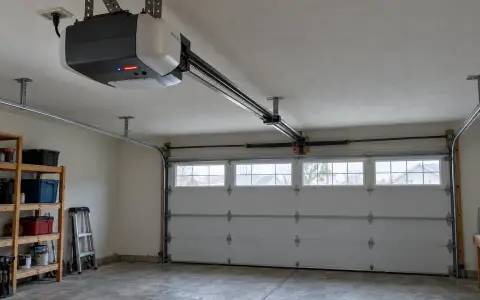 Genie blink codes
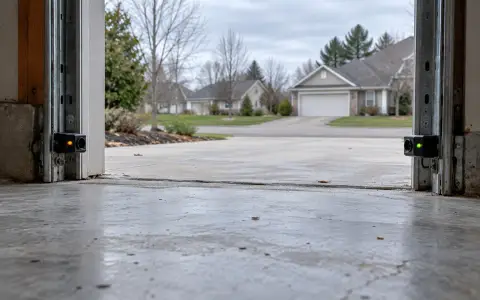 Safety sensors
 Travel limits and force
 myQ and Wi-Fi
 Universal remote
 Wall button not working
 Maintenance and lubrication
 Emergency release
 Battery backup