Start with one test that splits the problem in half: press the button on the wall inside the garage.
- The wall button works, the remote does not. The opener is fine; the problem is between the remote and the opener's radio. Work down the list below.
- Nothing works, not even the wall button. Check power first: Genie's troubleshooting page suggests plugging a lamp into the opener's outlet to see whether the outlet is live, then checking the breaker. If the opener runs but the door does not move, see opener runs, door doesn't.
- The door starts down and goes back up, or the opener's lights flash: that is the safety sensors, not the remote. See door won't close and blinking lights.
1. Lock or vacation mode
Chamberlain and Genie wall controls both have a lock that blocks remotes while leaving the wall button working, which is exactly the symptom. On the Chamberlain control in its owner's manual, the LOCK feature "is designed to prevent activation of the garage door opener from remote controls while still allowing activation from the door control and keyless entry." It is switched on and off by holding the LOCK button for 2 seconds, and the control's LED keeps flashing while it is on. Genie calls its version Sure-Lock, or vacation lock, and lists turning it off as the first check.
Chamberlain's chart puts this first too: "Verify the lock feature is not activated on the door control."
2. The battery
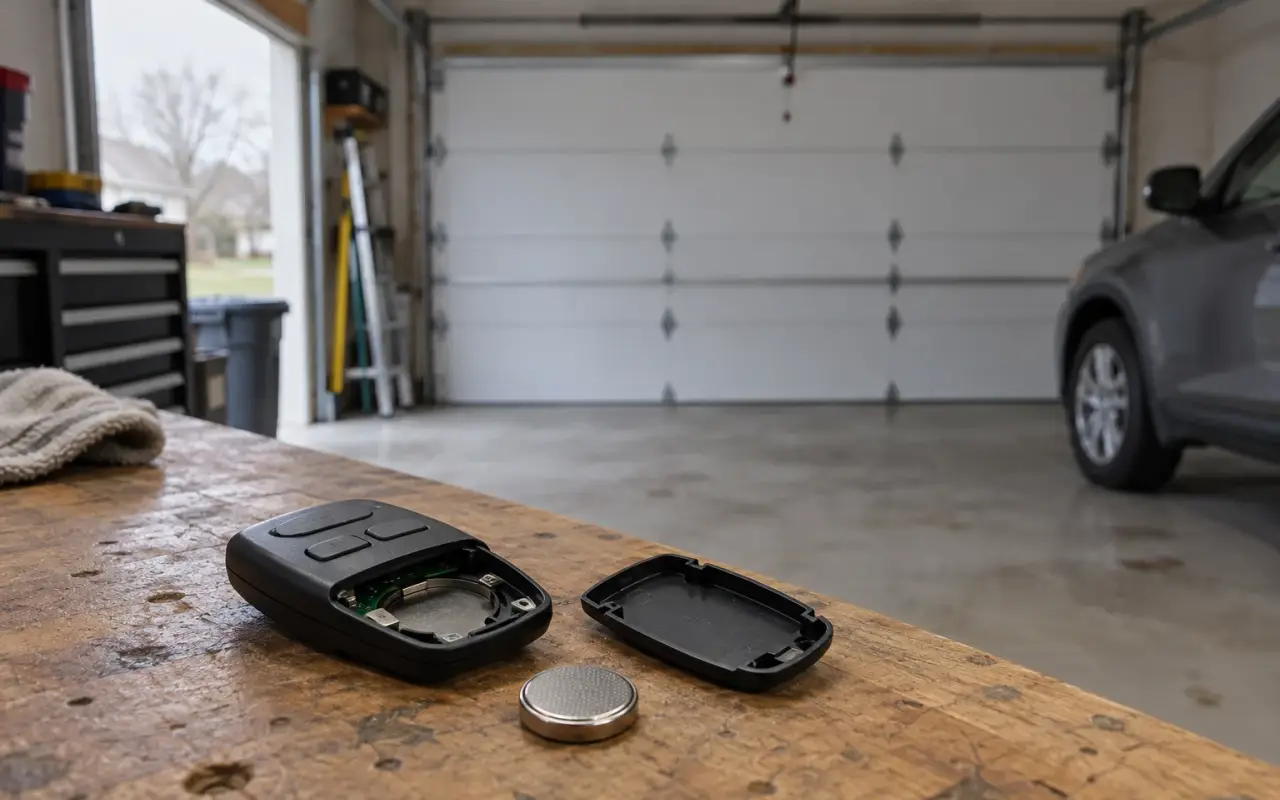
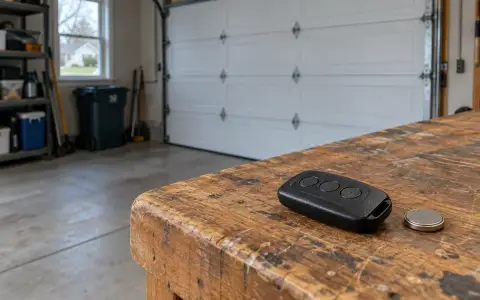
On LiftMaster's MAX remotes, the LEDs on the remote stop flashing when the battery is low. The 893MAX and 890MAX take a 3V2032 coin cell, the 895MAX a 3V2016; Genie's G3T takes a CR2032. Genie says replacing the battery does not affect a remote's programming.
3. Pair it again
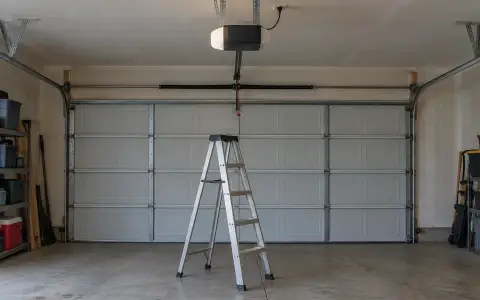
Remotes lose their place in the opener's memory when someone erases it, for example by holding the Learn button too long while programming a car or a new remote. If every remote stopped at once, that is one explanation.
Genie adds one more possibility: if all the remotes and wireless devices stopped working at the same time, the opener's circuit board may need replacing.
4. New light bulbs in the opener
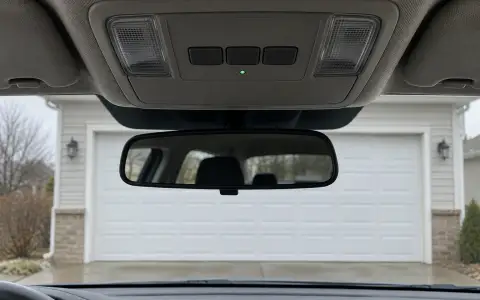
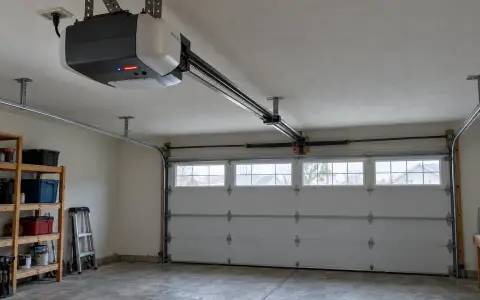
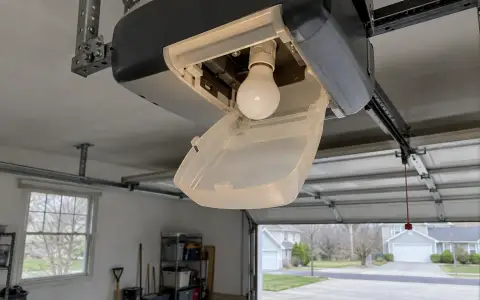
If the trouble started around the time someone put LED or energy-saving bulbs in the opener, suspect the bulbs. HomeLink: "certain brands or types of LED bulbs may cause interference with the radio signals used for operating your garage door, and impact the range of your garage door remotes." Genie's troubleshooting page says the same of energy-efficient bulbs. The fix both give is a bulb approved by the opener's maker.
A quick test: take the bulbs out and try the remote.
5. Range
LiftMaster's remote manual gives up to three car lengths on typical installations. Genie treats less than 25 feet as a problem worth checking. If the remote only works close to the door:
- put in a new battery;
- make sure the opener's antenna wire hangs straight down: Chamberlain's manual asks for this whenever the light cover is put back;
- think about what changed nearby: Genie lists other radio signals in the area and new devices in or near the garage.
6. The remote itself
If a new battery and a fresh pairing do not bring a remote back while other remotes work, the remote itself is the likely fault. A replacement has to match the opener's radio system: for LiftMaster and Chamberlain that means the Learn button color, for Genie the Intellicode generation. Pairing a new one follows the same steps as above.
If the wall button works and nothing else does
After the battery, a new pairing and the bulb test, when no remote at all will work, the problem is in the opener's radio side. Genie's troubleshooting page names the circuit board. That is a repair on the opener itself; for an older opener, weigh it against replacement.
Updated 2026-10-10.
 LiftMaster remote
 LiftMaster keypad
 Blinking lights and codes
 Genie remote
 Genie keypad
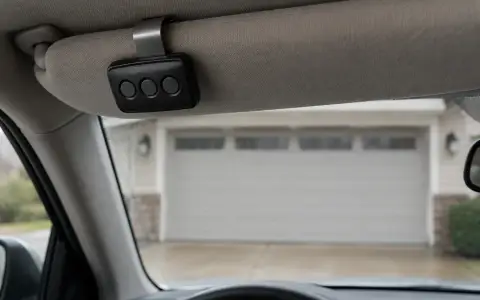
 HomeLink in the car
 Erase all remotes
 Craftsman remote and keypad
 Genie blink codes
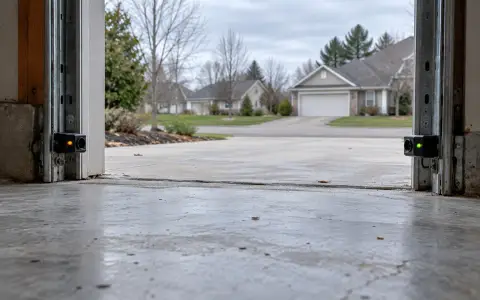 Safety sensors
 Travel limits and force
 myQ and Wi-Fi
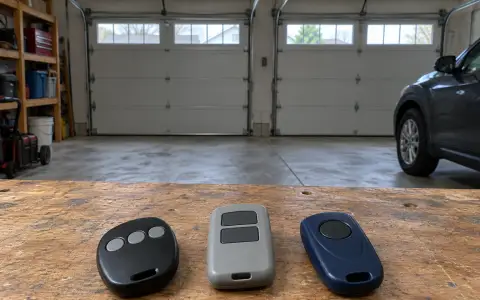 Universal remote
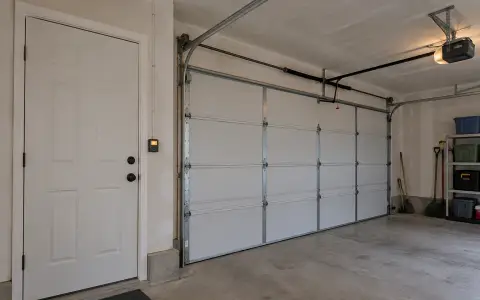 Wall button not working
 Maintenance and lubrication
 Emergency release
 Battery backup
 Opener light bulbs