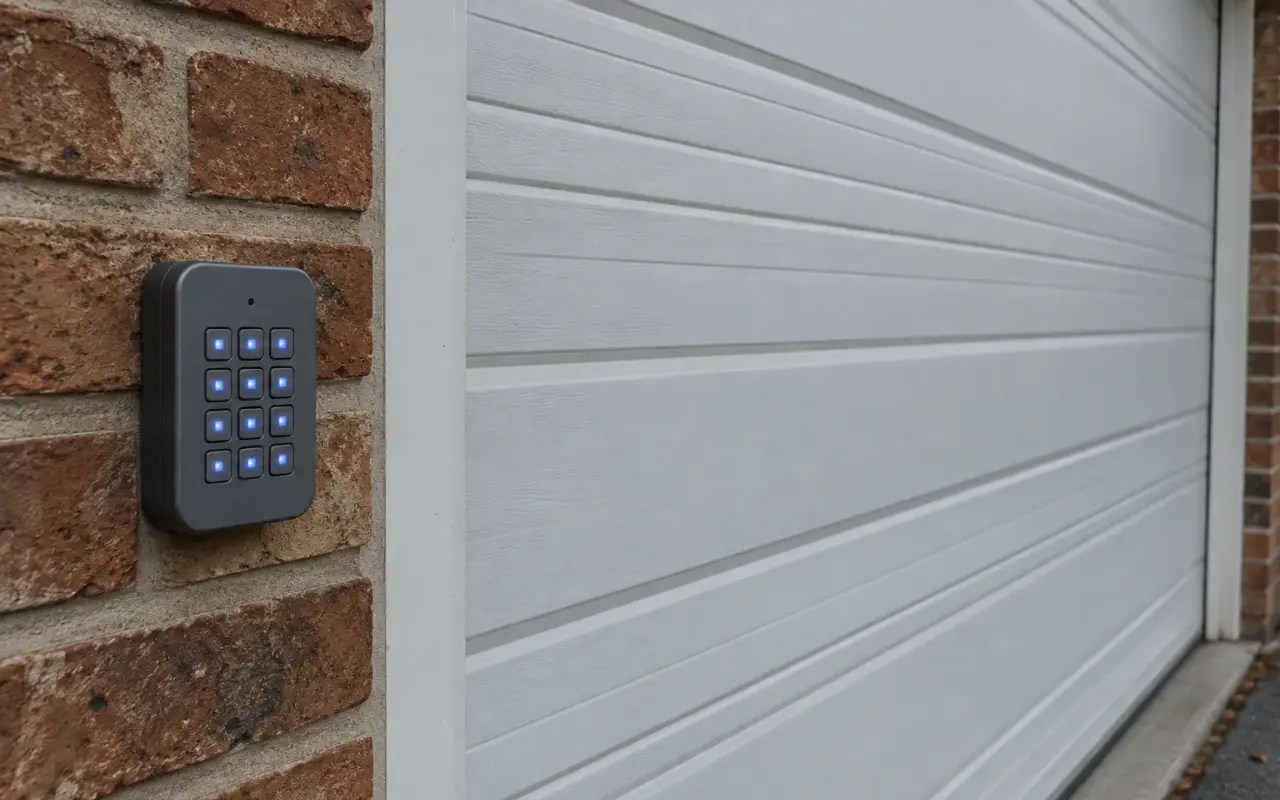
Genie's wireless keypad (GK-R) works with both generations of Genie Intellicode openers: the newer ones with a Program button and the older ones with a Learn Code button. The PIN lives in the keypad, so programming has two parts: give the keypad a PIN, then teach the opener to accept the keypad.
Genie recommends programming the keypad before mounting it. To wake a new one, open the battery cover, pull the protective tab and close the cover.
How the keypad answers
- Accepted: the keypad LED flashes with each key; after a good PIN or a finished step, the LED and the PROGRAM key flash slowly and the number pad stays lit for 15 seconds.
- Refused: the LED, the PROGRAM key and the number pad flash rapidly. Wait 15 seconds, until the backlight goes out, before trying again.
Step 1: set a PIN
The PIN can be 3 to 8 digits.
- Make sure the number pad backlight is off.
- Press 3-5-7 in sequence.
- Press PROGRAM. The LED blinks once per second.
- Enter your PIN.
- Press PROGRAM. The LED blinks twice and turns off.
If it does not blink twice and turn off, reset the keypad (below) and start again.
Step 2: put the opener in programming mode
- Program button openers: press and hold the Program button until the round LED turns blue, then release. The round LED goes out and the long LED flashes purple.
- Learn Code openers (1995 to 2011, and all external receivers): press and release the Learn Code button once. The red LED starts to flash. On earlier models the button is usually under the light lens.
The opener stays in programming mode for 30 seconds, so the next step has to be done within that time.
Step 3: pair the keypad to one opener
- Make sure the backlight is off.
- Enter the PIN.
- Press the UP/DOWN key slowly, three or four times, until the opener runs.
From then on: PIN, then UP/DOWN, and the door moves. For 15 seconds after a good entry, any key will operate the door.
Two or three doors
One keypad can run up to three openers, all with the same PIN.
- With the backlight off, enter the PIN set in step 1.
- Press PROGRAM twice. The LED blinks once per second.
- Enter the number of openers, 2 or 3.
- Press PROGRAM once. The LED blinks twice and turns off.
Then, for each opener in turn: put it in programming mode, enter the PIN, press UP/DOWN once, press the door's number (1, 2 or 3), and press UP/DOWN slowly three or four times until that opener runs.
To use it afterward: PIN, UP/DOWN, then the door's number.
Reset the keypad to factory default
Use this when programming failed, or to clear the PIN entirely:
- Make sure the backlight is off.
- Press and hold PROGRAM and UP/DOWN together for about 5 seconds.
- The LED flashes twice and all the lights go out.
Then start again from step 1. Genie notes that changing the batteries does not lose the programming, so a battery swap is not a reset.
If the keypad gets dim
When the backlight stops working, Genie says the batteries may need replacing. The GK-R takes two AAA alkaline batteries; Genie does not recommend rechargeables.
A lost keypad, or one you no longer trust
The opener can be made to forget the keypad. Erasing the opener's memory removes every remote and keypad it knows; then pair back the ones you keep. The steps are in clearing an opener's memory.
Updated 2026-10-10.
 LiftMaster remote
 LiftMaster keypad
 Blinking lights and codes
 Genie remote
 HomeLink in the car
 Erase all remotes
 Remote not working
 Craftsman remote and keypad
 Genie blink codes
 Safety sensors
 Travel limits and force
 myQ and Wi-Fi
 Universal remote
 Wall button not working
 Maintenance and lubrication
 Emergency release
 Battery backup
 Opener light bulbs