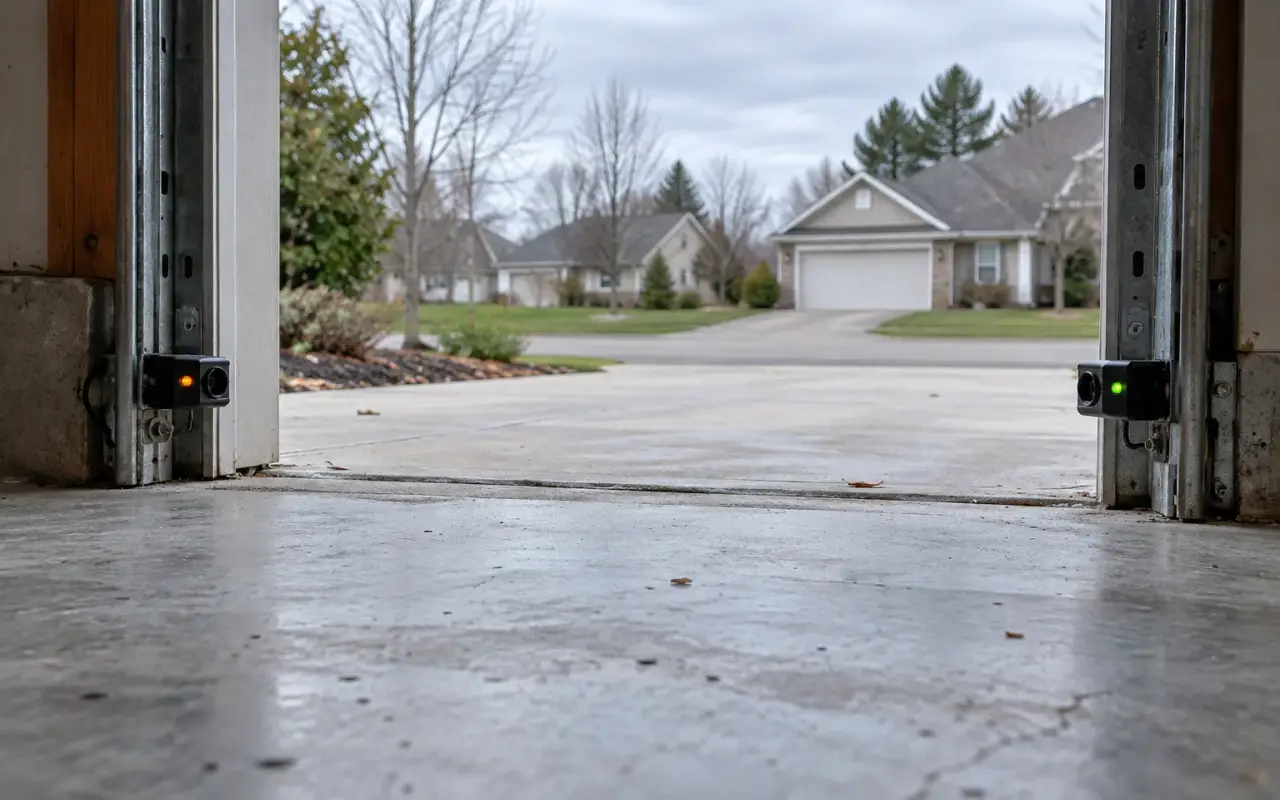
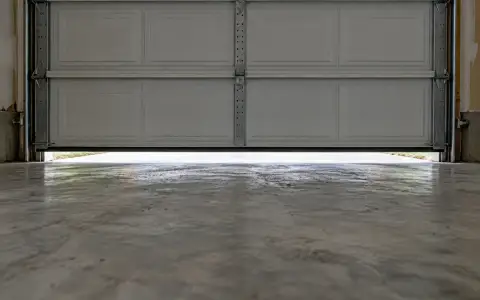
The two small units near the floor on either side of the garage door are the opener's eyes. One sends an invisible infrared beam across the opening, the other receives it. If anything breaks the beam while the door is closing, the opener stops and sends the door back up. Since 1993, residential openers have had to carry a second, external safety system besides reversing on contact, and these sensors are the usual one (CPSC Pub. 523).
They are also a frequent reason a door will not close. The causes the manuals list, dirty lenses, a bumped bracket, sunlight and a damaged wire, can all be checked from the floor.
The lights, and what they mean
LiftMaster, Chamberlain and Craftsman. The sending sensor has an amber LED and the receiving sensor a green one. Chamberlain's manual: "The LEDs in both sensors will glow steadily if they are aligned and wired correctly."
- Both steady: the sensors are fine. Look elsewhere.
- Green off, dim or flickering: the receiver is not seeing the beam. Clean the lenses and realign. If that does not help, the receiver's wire may be damaged.
- Amber off: the sender has no power. The manual's checks: power to the opener, a shorted or broken sensor wire, and the wiring at the opener (white wires to the white terminal, white/black wires to the grey one).
On some Chamberlain models the sensor LEDs go dark while the door is closed and the opener's light is off. That is sleep mode, not a fault: the manual says the sensor LEDs turn back on whenever the opener's lights do.
Genie. The Safe-T-Beam sensors have red and green LEDs. Both on is normal; two blinks of the red LED, then a pause, means the beam is out of alignment or blocked. The full table is on Genie blinking lights.
The opener's own signal
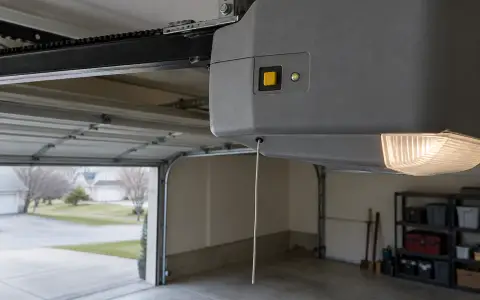
When the sensors stop a closing door, a LiftMaster or Chamberlain opener reverses it and flashes its lights 10 times; if the door is already open, it will not close at all. Some models also flash a code on the motor unit. See LiftMaster blinking lights and the Craftsman chart in Craftsman remote and keypad.
Where they should be
- Height: Chamberlain says the beam must be "NO HIGHER than 6" (15 cm) above garage floor." Genie says at least 5 and no more than 6 inches.
- Inside the garage, one on each side of the door, facing each other with the lenses lined up.
- Mounting: on the door track, the wall or the floor. If the track will not hold the bracket firmly, Chamberlain recommends the wall.
- Out of direct sun on the receiving side.
Realigning them
- Loosen the wing nut that holds the sensor to its bracket.
- Point the two lenses at each other.
- Tighten the wing nut, and check that both LEDs now glow steadily.
Before you do it, wipe both lenses and look along the beam's path: a box, a bin against the track, or something hanging from the door is enough to block it.
Sunlight
Low sun shining straight into the receiving lens can blind it, so the door refuses to close at a certain time of day. Chamberlain's fix is to swap the two sensors, so the receiver is on the side of the door the sun does not reach. Genie's newer Safe-T-Beams (GSTB-R) have a lens cover made for the same problem.
Finding a bad wire
The thin two-wire cable from each sensor runs along the wall to the motor unit, held by staples. A staple driven through it, or a cut, makes the sensor go dark or flicker. Craftsman's manual gives a way to find out whether the sensor or the wire has failed:
- Disconnect the sensor wires from the back of the motor unit.
- Take the sensors off their brackets and bring them to the motor unit, with 1 to 2 feet of wire left on each.
- Connect the sending sensor with the short wire. If its light glows steadily, connect the receiving sensor.
- Point the two at each other. If both lights now glow, the long wires were the problem: replace them. If they still do not light, replace the sensors.
Unplug the opener before you work on its terminals. Wiring colors and terminals differ between models; follow your manual.
Never bypass them
Chamberlain's manual is blunt: the sensor is a "required safety device" that "MUST NOT be disabled." Openers can usually close the door while you hold the wall button down, which is how to get a door shut while you wait for a repair; watch it all the way down. After any adjustment, run the monthly reverse test as well, which checks the other safety system, reversing on contact.
Updated 2026-10-11.
 LiftMaster remote
 LiftMaster keypad
 Blinking lights and codes
 Genie remote
 Genie keypad
 HomeLink in the car
 Erase all remotes
 Remote not working
 Craftsman remote and keypad
 Genie blink codes
 Travel limits and force
 myQ and Wi-Fi
 Universal remote
 Wall button not working
 Maintenance and lubrication
 Emergency release
 Battery backup
 Opener light bulbs