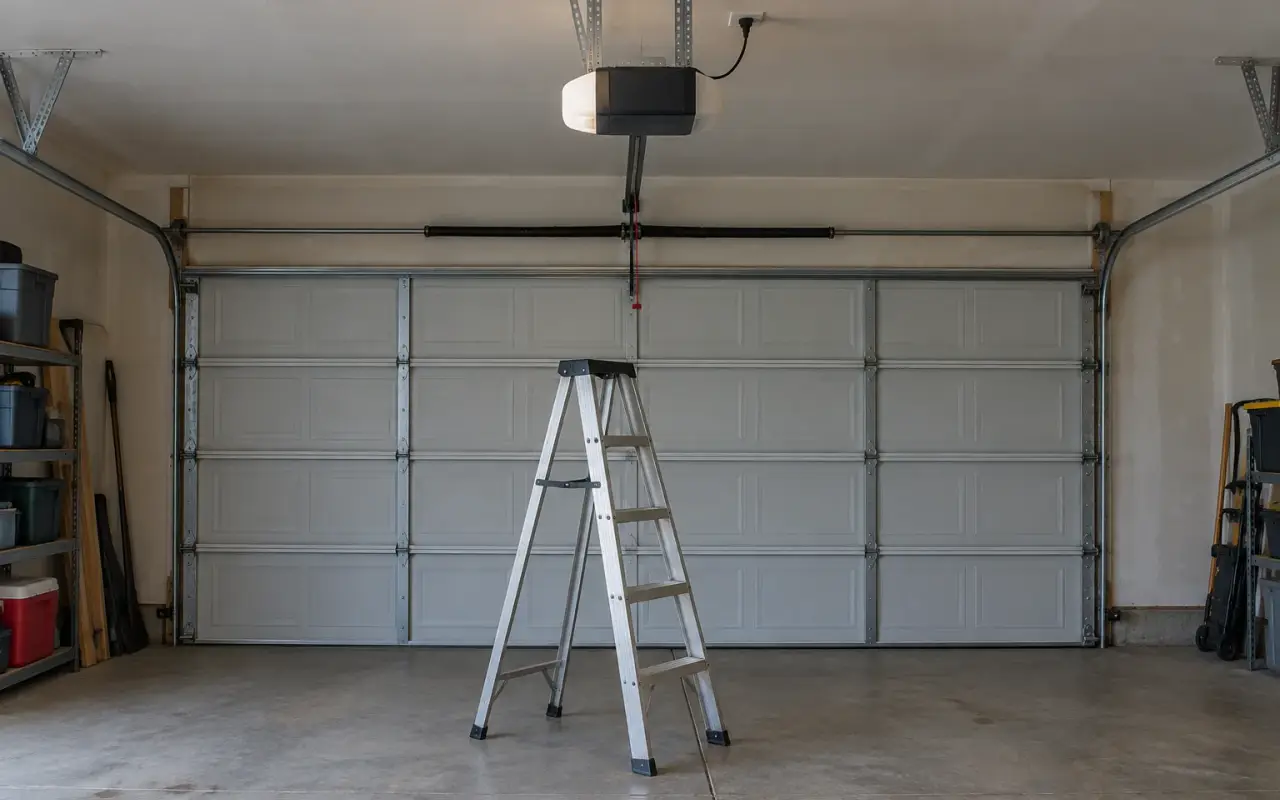
An opener remembers every remote, keypad and car it has been paired with. The manuals cited here give no way to remove just one, so the fix for a remote you no longer control is to erase them all and pair back the ones you have.
When to do it
- You moved into a house. The previous owners, their contractors and anyone they gave a remote to can still open the door.
- A remote was lost or stolen, or a keypad PIN was shared too widely.
- A neighbor's remote opens your door. Chamberlain's troubleshooting chart gives exactly this remedy: "Erase the memory from your garage door opener and reprogram the remote control(s)."
Before you start, gather every remote and keypad you mean to keep, and know which car buttons are paired. Everything stops working the moment the memory is cleared, including the remotes in your own car.
LiftMaster and Chamberlain
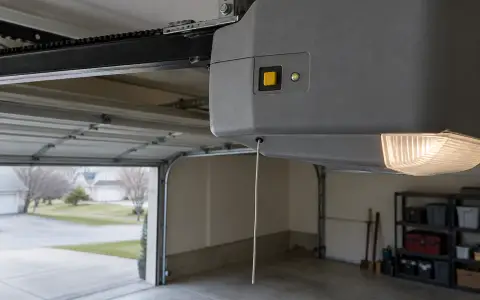
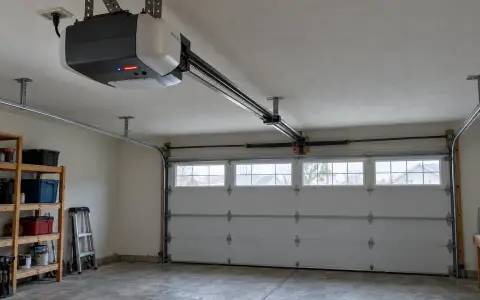
The Learn button is on the motor unit, often near where the antenna wire hangs down. Chamberlain's owner's manual gives two levels:
Erase all remotes and keypads
- Press and hold the Learn button until the Learn LED goes out, about 6 seconds.
All remote and keypad codes are now erased.
Erase all devices, including MyQ accessories
- Press and hold the Learn button until the Learn LED goes out, about 6 seconds.
- Immediately press and hold it again until the LED goes out.
This also removes MyQ-enabled accessories, such as the MyQ lamp control the manual lists. Reprogram anything you want to keep.
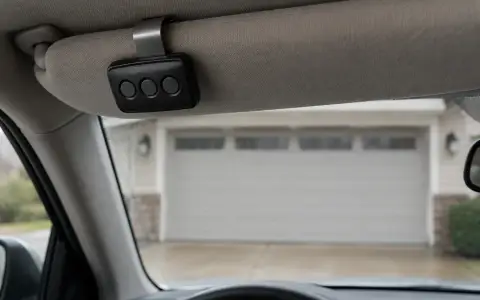
The same long press is easy to do by accident. HomeLink's support page gives it as the explanation when every remote stops working after someone programs a car: the Learn button "should be pressed and released like a doorbell."
Genie
Openers with a Program button
- Press and hold the Program button until the round LED turns blue, then release.
- Press and hold the Up (+) and Down (−) buttons together until both LEDs turn solid blue, then release.
Openers with a Learn Code button (Genie gives 1995 to 2011 for these, and all external receivers)
- Press and hold the Learn Code button until the LED stops blinking.
Genie's note on the result: the opener "will no longer recognize any signal from any remote device, including a missing remote device." That includes keypads.
Afterward
- Pair each remote again: LiftMaster and Chamberlain, Genie.
- Pair the keypad and pick a new PIN: LiftMaster, Genie.
- Pair the car again: HomeLink.
- Test every one from outside the garage.
Openers without a Learn button
Some older openers have no memory to clear: they use a row of code switches inside the motor unit, set to the same pattern as the switches in the remote (Genie's Genie Master instructions mention rows of 9 or 12). Changing the code means setting the opener and every remote to a new pattern. HomeLink's support page notes that openers made before April 1, 1982 may lack the stop-and-reverse safety feature now required, and should not be used with HomeLink at all; for an opener that old, see opener replacement.
Updated 2026-10-10.
 LiftMaster remote
 LiftMaster keypad
 Blinking lights and codes
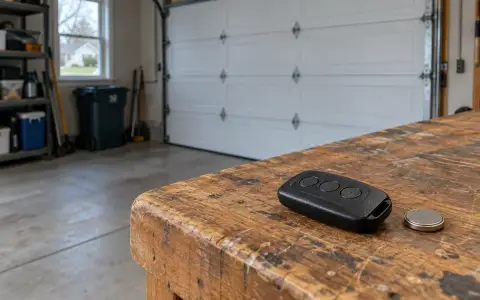 Genie remote
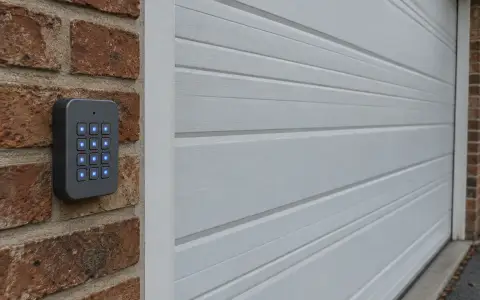 Genie keypad
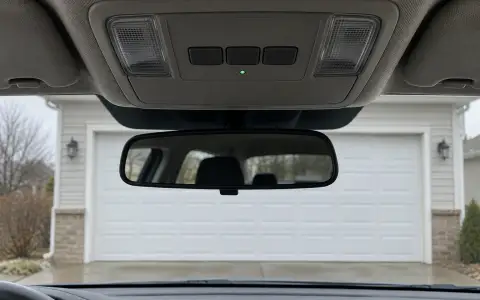 HomeLink in the car
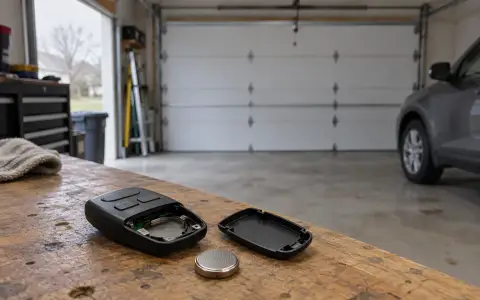 Remote not working
 Craftsman remote and keypad
 Genie blink codes
 Safety sensors
 Travel limits and force
 myQ and Wi-Fi
 Universal remote
 Wall button not working
 Maintenance and lubrication
 Emergency release
 Battery backup
 Opener light bulbs