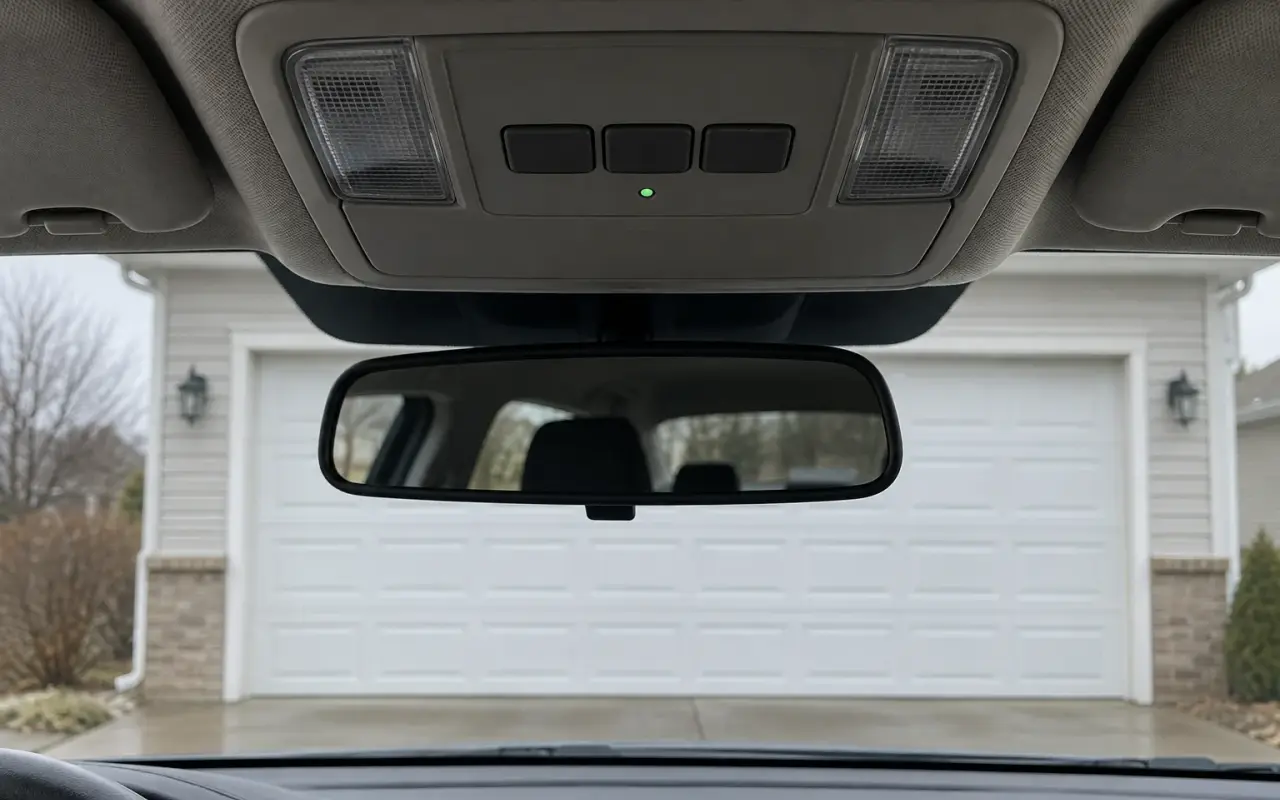
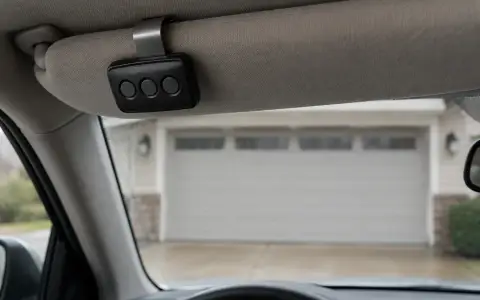
HomeLink is the set of three buttons built into many cars, on the visor, the overhead console or the mirror. It learns your garage door remote's signal and then plays it back. HomeLink is made by Gentex and fitted by the carmaker, so the exact buttons and lights vary by vehicle; HomeLink's site has instructions by make, model and year. The steps below are the general pattern.
You need a working handheld remote for the opener: HomeLink's answer to "my opener doesn't have a handheld transmitter" is that it will not work without a remote or a wireless keypad. Put a new battery in the remote first. Training takes more power from the battery than opening the door does, and a fresh battery is HomeLink's first troubleshooting tip.
For safety, park outside the garage with the door clear: the door can move during programming. HomeLink also says not to use it with any opener that lacks the stop-and-reverse safety features required in the US, which includes openers made before April 1, 1982.
1. Clear HomeLink, only if this is the first button
Press and hold the two outer buttons until the indicator light changes from a slow to a fast blink, about 20 seconds. This erases every button. Skip it if other buttons are already programmed, and skip it when you program a second or third button: HomeLink warns that doing it then "will clear the button you just programmed."
2. Train HomeLink to your remote
- Hold the remote a couple of inches from the HomeLink button you want to use. Genie says 2 inches; HomeLink suggests trying 1 to 3, and if that fails 4 to 6 inches at a different angle.
- Press and hold the remote button and the HomeLink button at the same time.
- Keep holding until the HomeLink indicator changes from a slow blink to a fast one, which can take up to 20 seconds. Release both.
Now press and hold the HomeLink button and watch the indicator:
- Solid: HomeLink has the signal and should operate the opener. For an opener with a fixed code, that is the end of it.
- Rapid blinking for two seconds, then solid: HomeLink picked up a rolling code. Go on to step 3.
- Still a slow blink: it did not learn the signal. Try again, or try another button.
3. Finish at the opener (rolling-code openers)
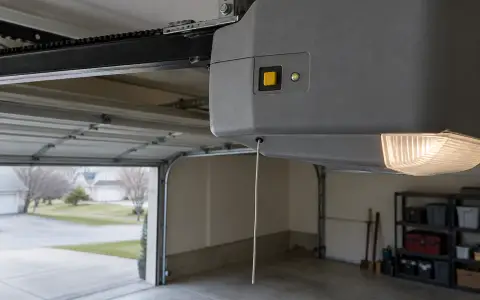
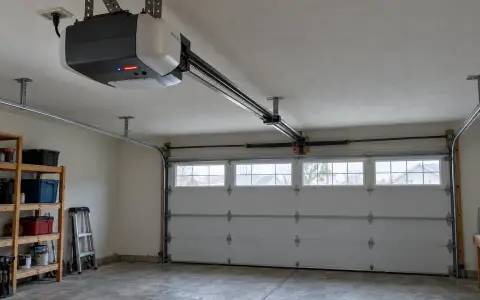
HomeLink notes that openers made after 1995 may use rolling codes, and that you may need a stepladder to reach the Learn button. The opener has to be told to accept the car.
- Press and release the Learn button on the motor unit "like a doorbell". Holding it longer erases every remote the opener knows. You then have 30 seconds.
- Back in the car, press the HomeLink button, holding it about two seconds each time, and repeat until the door moves. Genie's instructions use exactly these two-second presses.
On Genie openers with a Program button, Genie's version is: hold Program until the round LED turns blue, release (the long LED flashes purple), then press the HomeLink button for two seconds, twice, and a few more times until the door moves. On Genie openers with a Learn Code button: press and release it once, then press the HomeLink button once (the red LED stays on), once more (it goes out), and again to move the door.
Special cases
- A white Learn button (Security+ 3.0). HomeLink says these openers must be programmed using the original handheld remote, "not directly at the motor head." For pairing, HomeLink suggests positioning "the HomeLink antenna toward the front bumper area of the vehicle and away from metal obstructions."
- A yellow antenna wire and an older car. Chamberlain, Craftsman, Raynor and LiftMaster openers with a yellow antenna wire, made since 2011, may need a Compatibility Bridge to work with older HomeLink versions. Chamberlain's own manual points to the same bridge.
- Car2U instead of HomeLink. Cars with three separate LEDs above the buttons usually have Car2U. Its factory default is button 1 for Genie, button 2 for LiftMaster and button 3 for Wayne Dalton; you program it at the opener's Learn or Program button without training it to a remote.
- An old opener. HomeLink works between 288 and 433 MHz. Very old openers can drift out of that band.
If it does not work
- Every remote stopped working after you programmed the car: the Learn button was held too long and the opener's memory was erased. Pair each remote again; see program a LiftMaster remote or program a Genie remote.
- Short or patchy range: put a new battery in the remote and train again at different distances. HomeLink also suggests straightening the antenna wire that hangs from the motor unit.
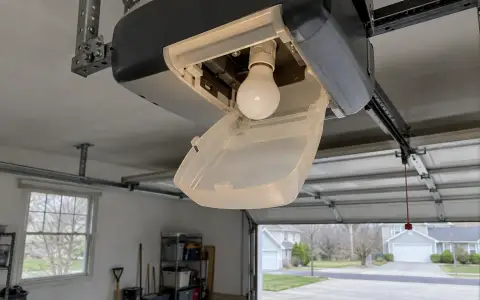
- It got worse after new LED bulbs in the opener: HomeLink confirms that some LED bulbs interfere with the radio signal. Use a bulb approved by the opener's manufacturer.
When you sell the car or end a lease, clear the HomeLink buttons, as HomeLink itself recommends.
Updated 2026-10-10.
 LiftMaster remote
 LiftMaster keypad
 Blinking lights and codes
 Genie remote
 Genie keypad
 Erase all remotes
 Remote not working
 Craftsman remote and keypad
 Genie blink codes
 Safety sensors
 Travel limits and force
 myQ and Wi-Fi
 Universal remote
 Wall button not working
 Maintenance and lubrication
 Emergency release
 Battery backup
 Opener light bulbs