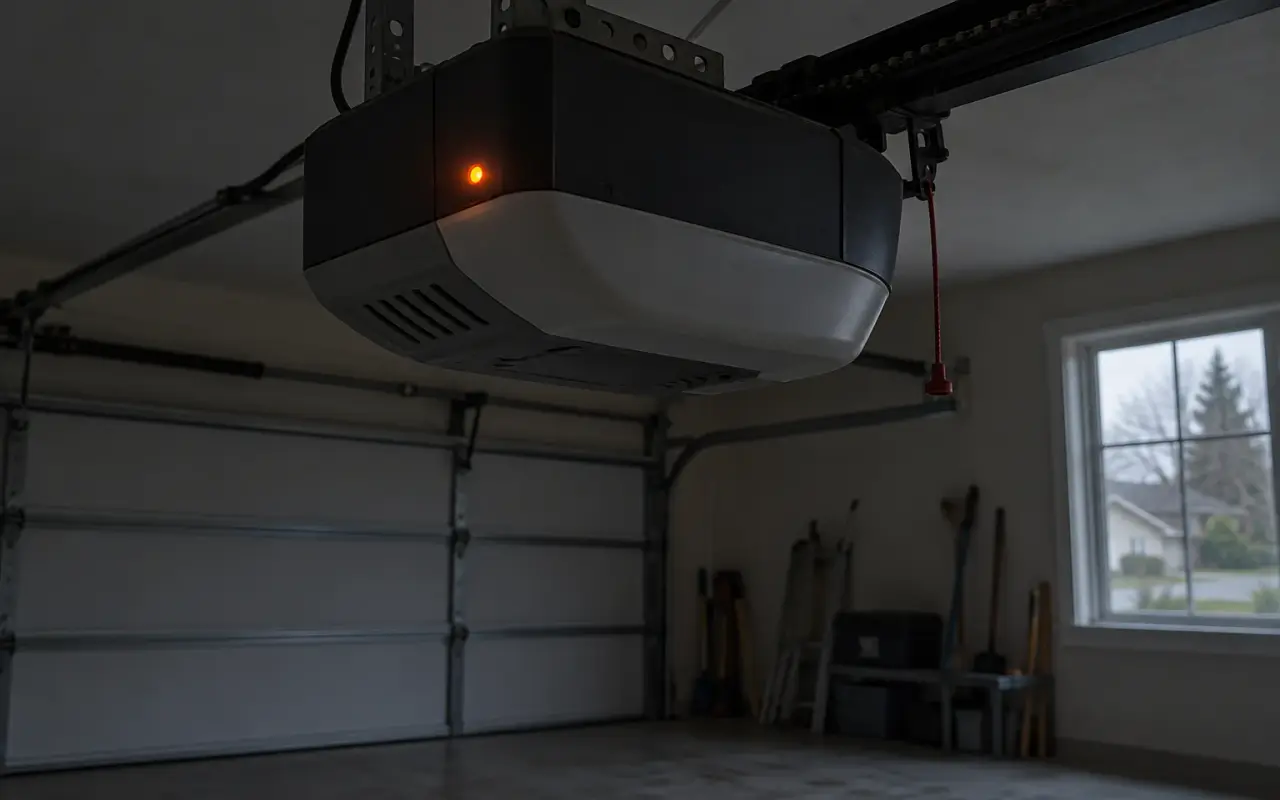
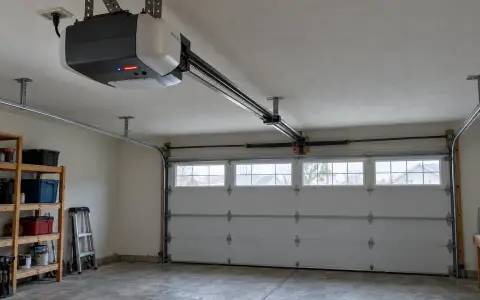
Some openers carry a 12-volt battery that keeps them working in a power cut. It is easy to forget about until it starts beeping. The details below are from Chamberlain's owner's manual for its belt drive battery backup openers; other models work along the same lines, but check yours.
What changes on battery power
The manual: when the opener runs on its battery, "the garage door opener will run slower, the light will not function, the Battery Status LED will glow solid orange, and a beep will sound approximately every 2 seconds." Timer-to-Close and remote close are also unavailable in backup mode, and Chamberlain's myQ support says the myQ app will not operate an opener running on battery power.
A fully charged battery, per the manual, runs the opener for one to two days of normal use during an outage.
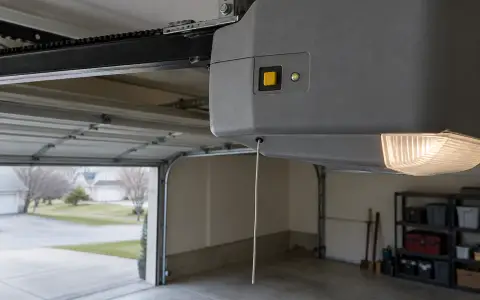
The battery status light
The light is easiest to see with the opener's own light off.
| Light | Meaning |
|---|---|
| Solid green | Battery fully charged. Normal. |
| Flashing green | Battery charging. |
| Solid orange | Power is out; the opener is running on the battery. |
| Flashing orange, beep every 30 seconds | Battery is low. |
| Solid red, beep every 30 seconds | The battery no longer holds a charge and needs replacing. |
Why it beeps
- Every 2 seconds: running on battery. Check whether the power is out, or whether the opener has been unplugged or its breaker tripped.
- Every 30 seconds: the battery is low or worn out (see the light).
The battery charges whenever the opener is plugged into a working outlet. The manual says a full charge takes a day, and recharging after an outage takes up to a day as well.
How long the battery lasts
About 1 to 2 years with normal use, according to the manual. Its replacement is a specific part for that opener: the manual says to use only Chamberlain's own replacement battery. For a house left empty for a season, the manual suggests disconnecting the battery while the opener is unplugged, to make it last longer.
Test it once a year
The manual's maintenance schedule includes a yearly test:
- Unplug the opener. The status light should go solid orange (running on battery), or flash if the battery is low.
- Open and close the door with the remote or wall control. It may run slower if the battery is not fully charged.
- Plug the opener back in. The light should flash green: charging.
Replacing the battery
The battery sits in a compartment in the motor unit, behind a cover. The manual's warnings: disconnect all electric and battery power before any service, wear gloves and eye protection when changing the battery, and do not dispose of it in a fire. After fitting the new one, wait for the green light to start flashing, then run the test above.
California: battery backup is required
Since July 1, 2019, California requires residential automatic garage door openers manufactured for sale, sold or installed in the state to have a backup battery designed to work during a power outage (SB 969, 2018). The same law prohibits installing a replacement garage door on an existing opener that lacks one, and makes a violation subject to a civil penalty of $1,000. The Assembly committee's analysis gives the reason: during the 2017 Northern California wildfires, at least five people died during the evacuation because they could not drive out of their garages in the power outages.
If you are replacing the door on an older opener in California, that rule applies. See door replacement and opener replacement.
Without a battery
An opener with no battery stops in a power cut. To get the door open, use the emergency release, with the door closed if possible and only if the springs are whole.
Updated 2026-10-11.
 LiftMaster remote
 LiftMaster keypad
 Blinking lights and codes
 Genie remote
 Genie keypad
 HomeLink in the car
 Erase all remotes
 Remote not working
 Craftsman remote and keypad
 Genie blink codes
 Safety sensors
 Travel limits and force
 myQ and Wi-Fi
 Universal remote
 Wall button not working
 Maintenance and lubrication
 Emergency release
 Opener light bulbs